

Videos
Section titled “Videos”Sometimes it is quicker to watch than to read. These videos show OSOS at work, in English and in Arabic. Every video says which version of OSOS it was recorded on, so you know whether your screens may look different.
Quick tips15 to 30 seconds each: one trick, like switching the theme or the language.
How-tosUnder a minute each: one task from start to finish, with on-screen captions.
TutorialsNarrated series, a few minutes per part, each building a complete case step by step.
Quick tips and how-tos have on-screen captions and no voice. Tutorials are narrated, with a separate recording in each language.
Quick tips
 Switch to dark modeQuick Settings is one click awayEnd user
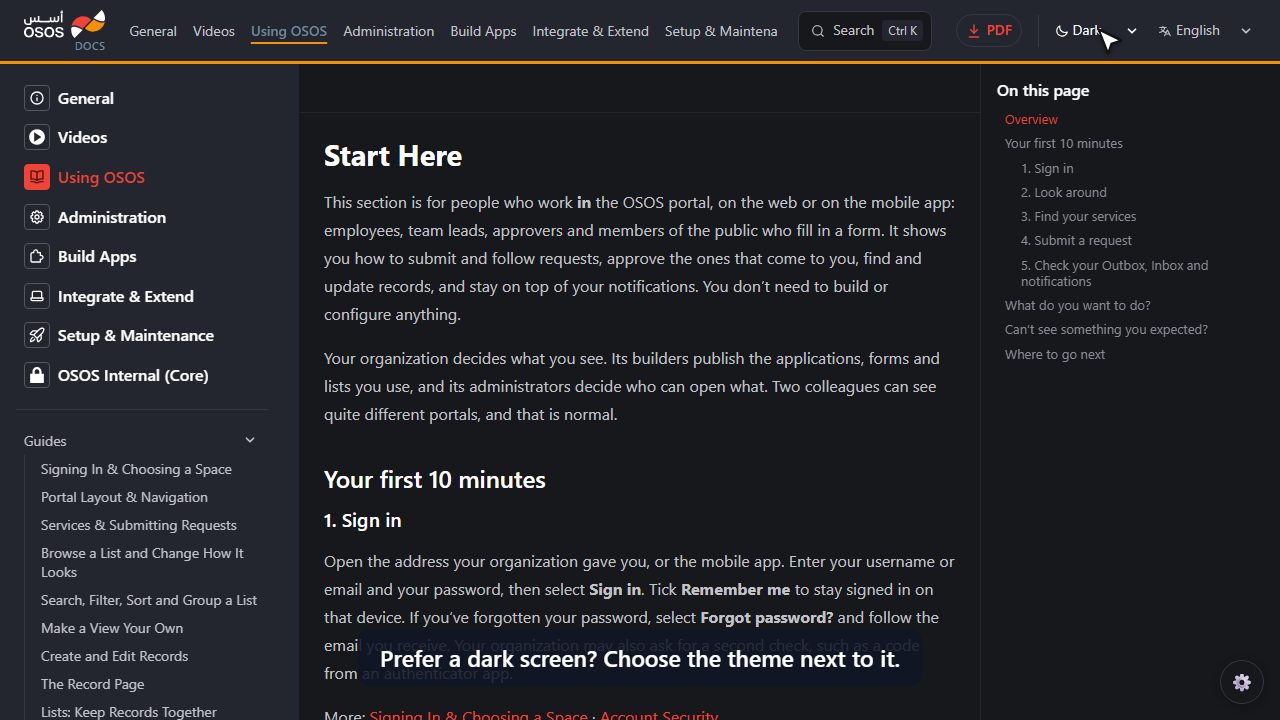 Read the docs your waySwitch the language and the theme in one click
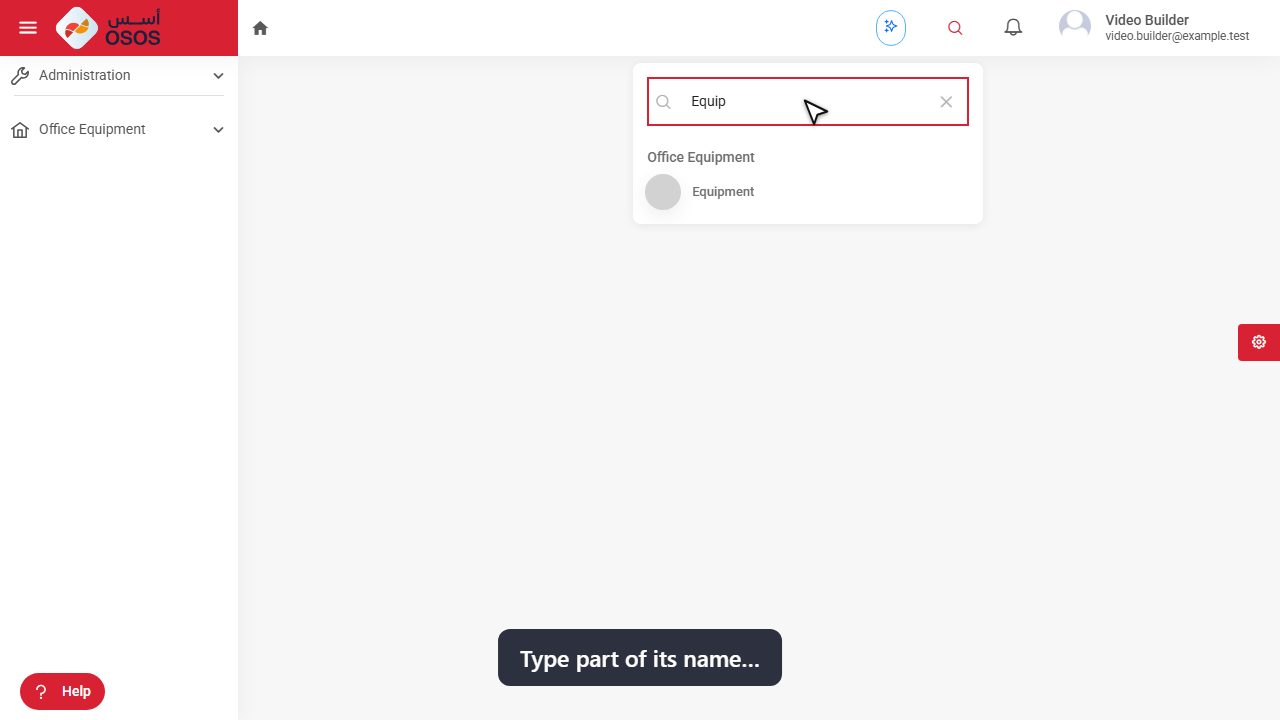 Search from the keyboardF3 opens the search: type a screen's name and goEnd user
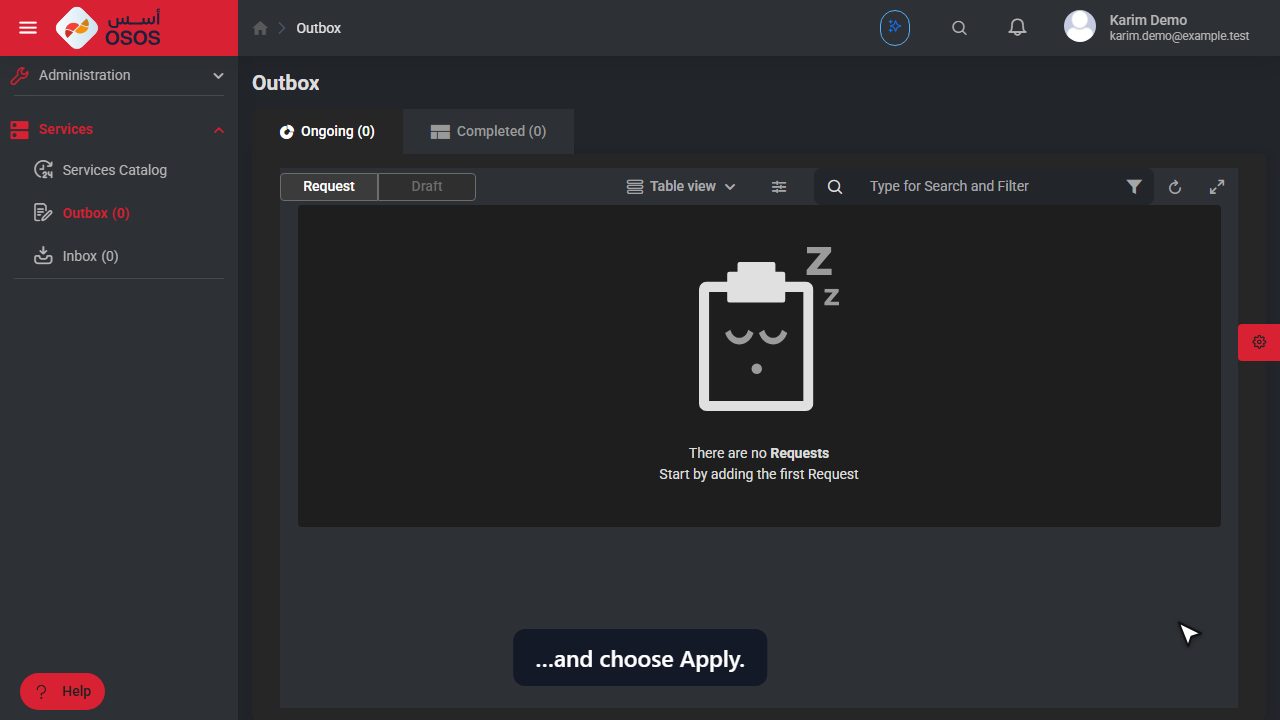 Try a setting for this session onlyApply, under the arrow next to Save, does not touch your accountEnd user
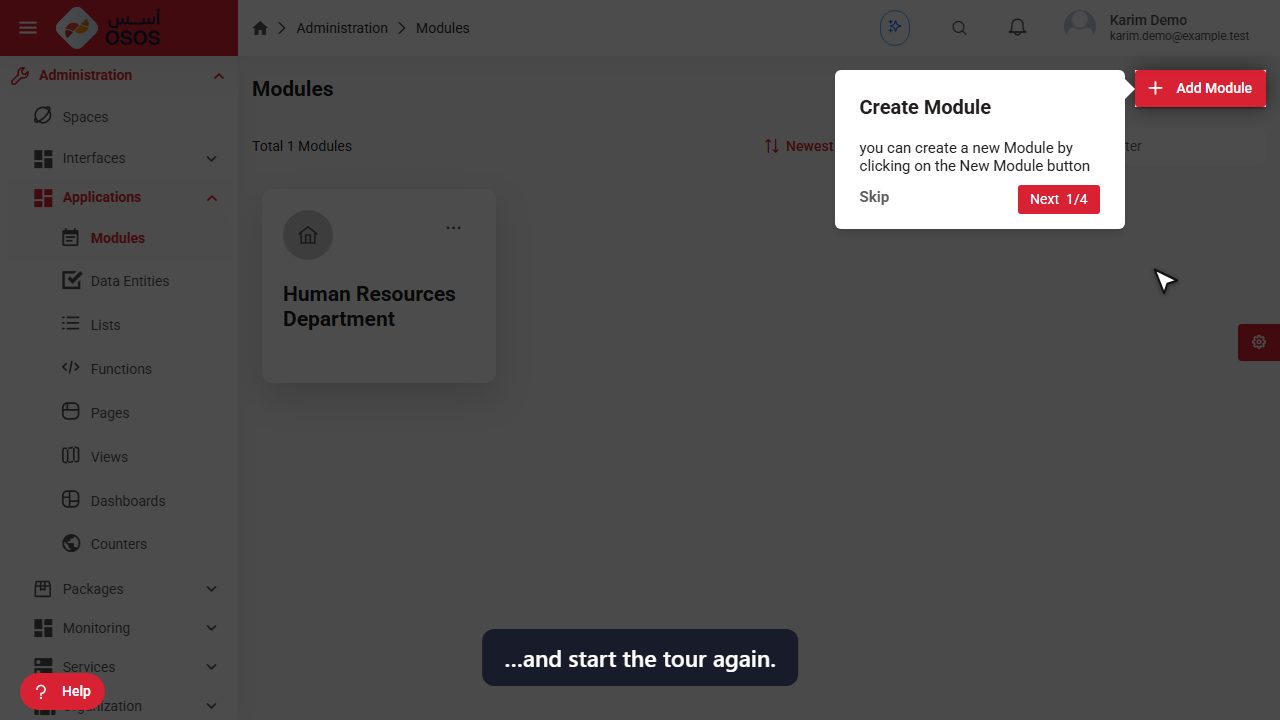 Replay the guided tourSkipped it on your first visit? Start it again from your menuEnd user
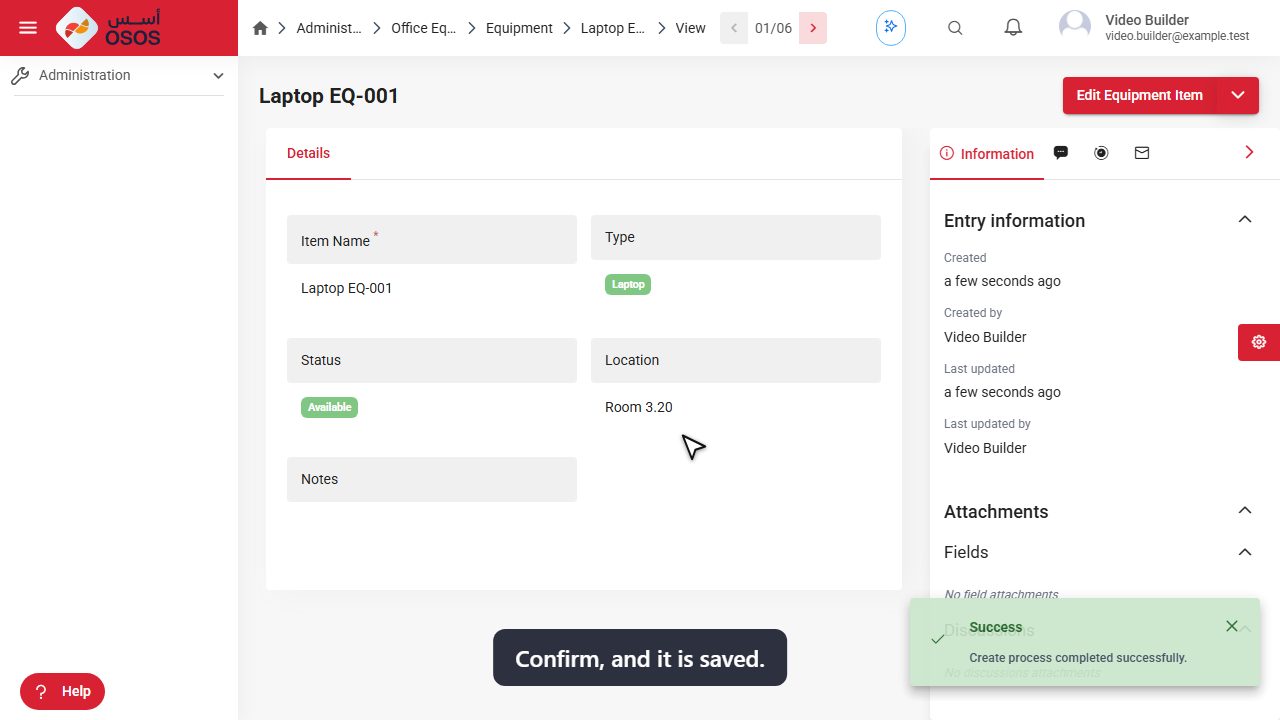 Save with Ctrl+EnterDone editing? Save the form from the keyboardEnd user
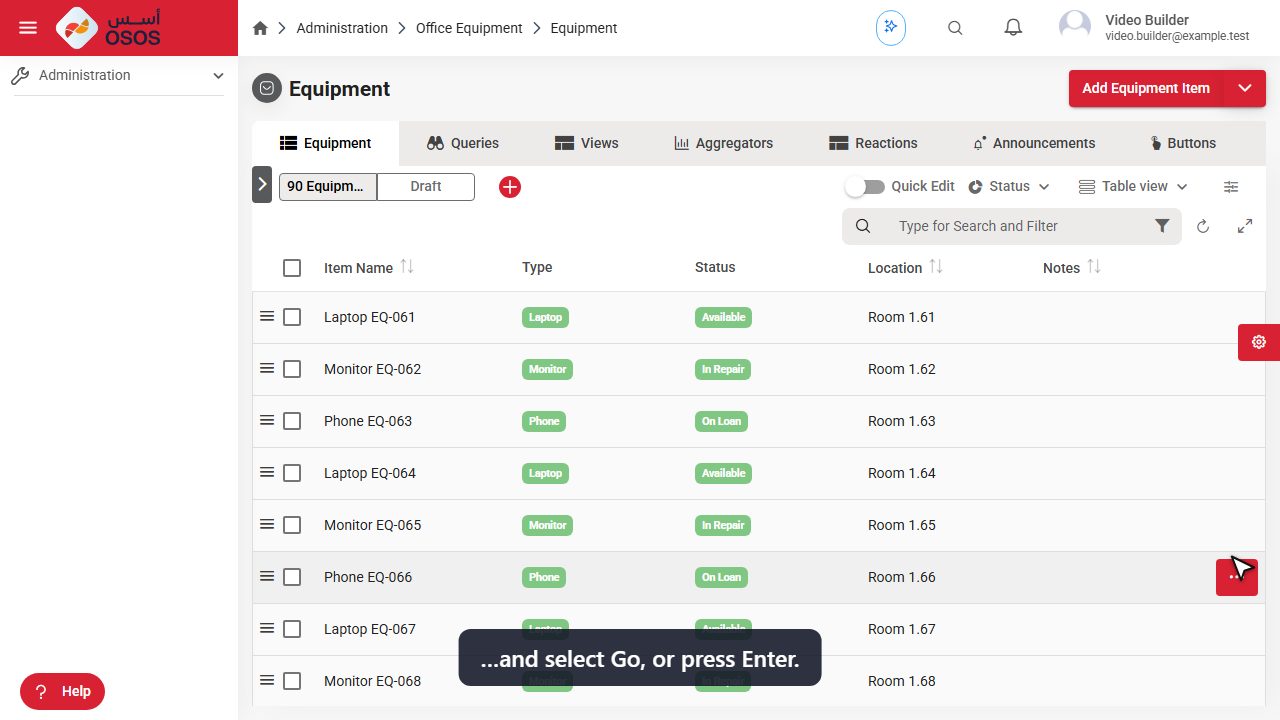 Jump to a page of a long listSelect the page number, type the page you want, and goEnd user
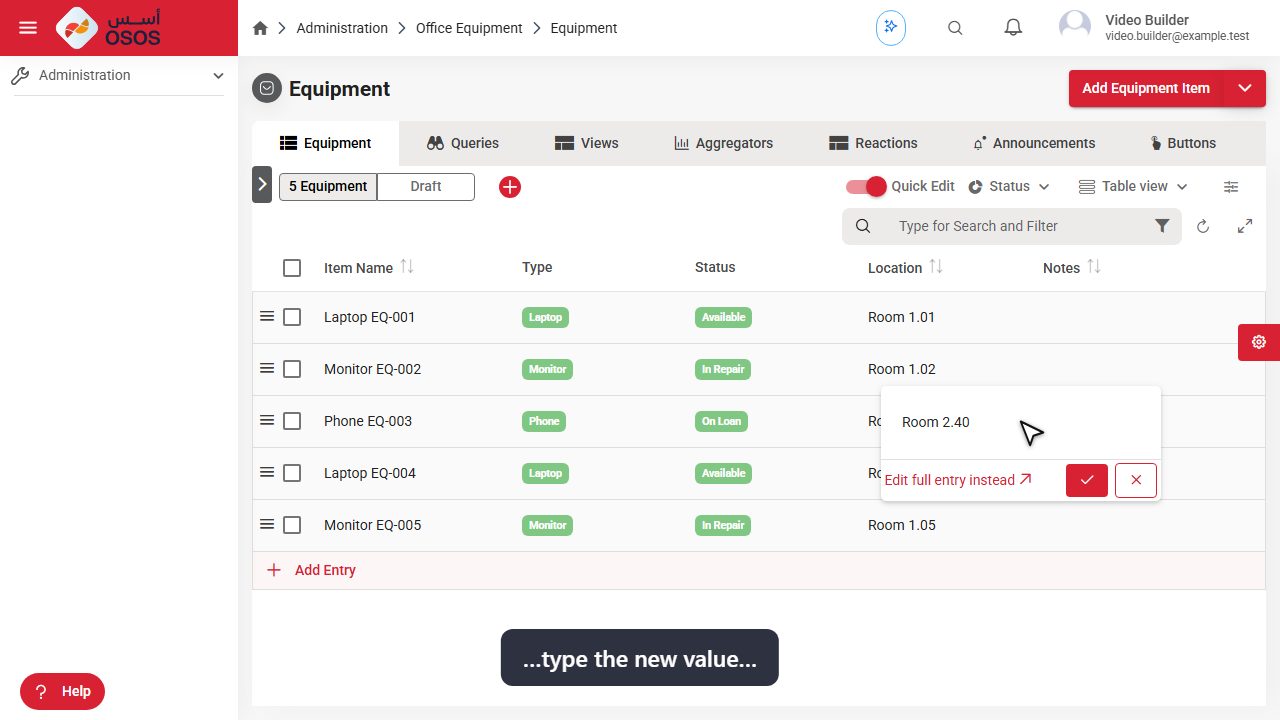 Edit right in the listQuick Edit changes a value without opening the recordEnd user
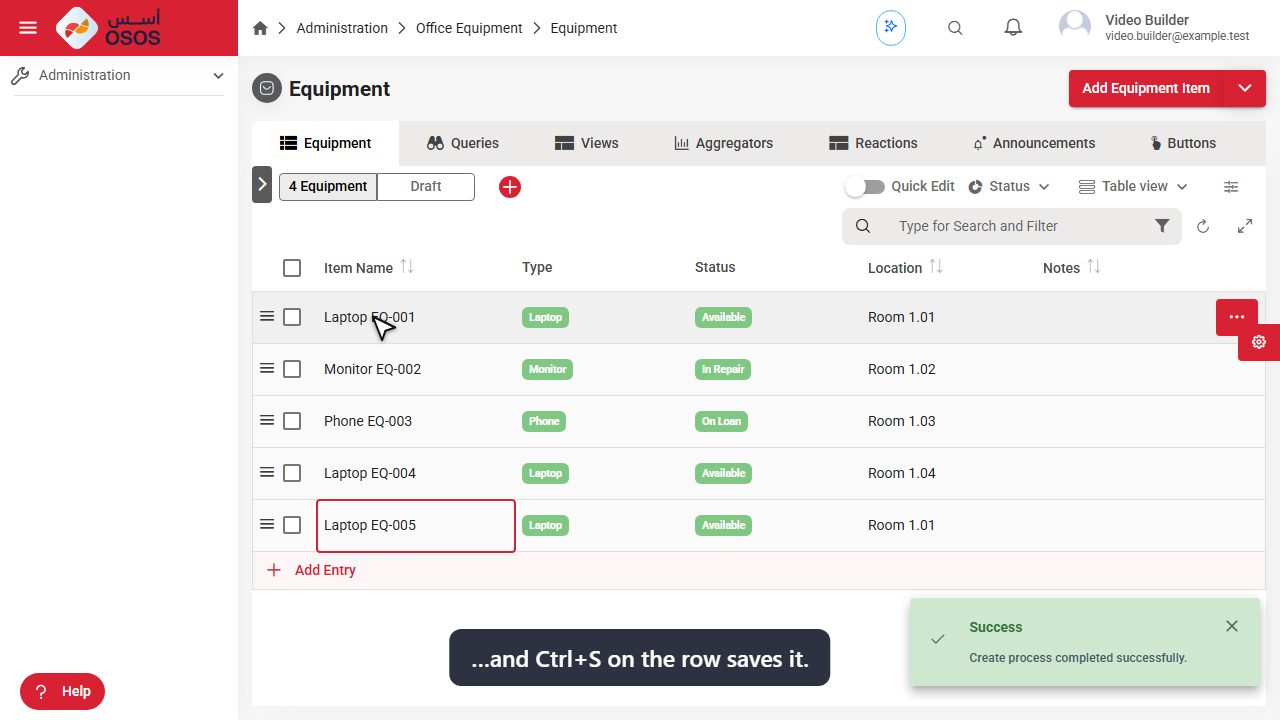 Add rows from the keyboardCtrl+D copies a row, Ctrl+Space adds one, Ctrl+S savesEnd user
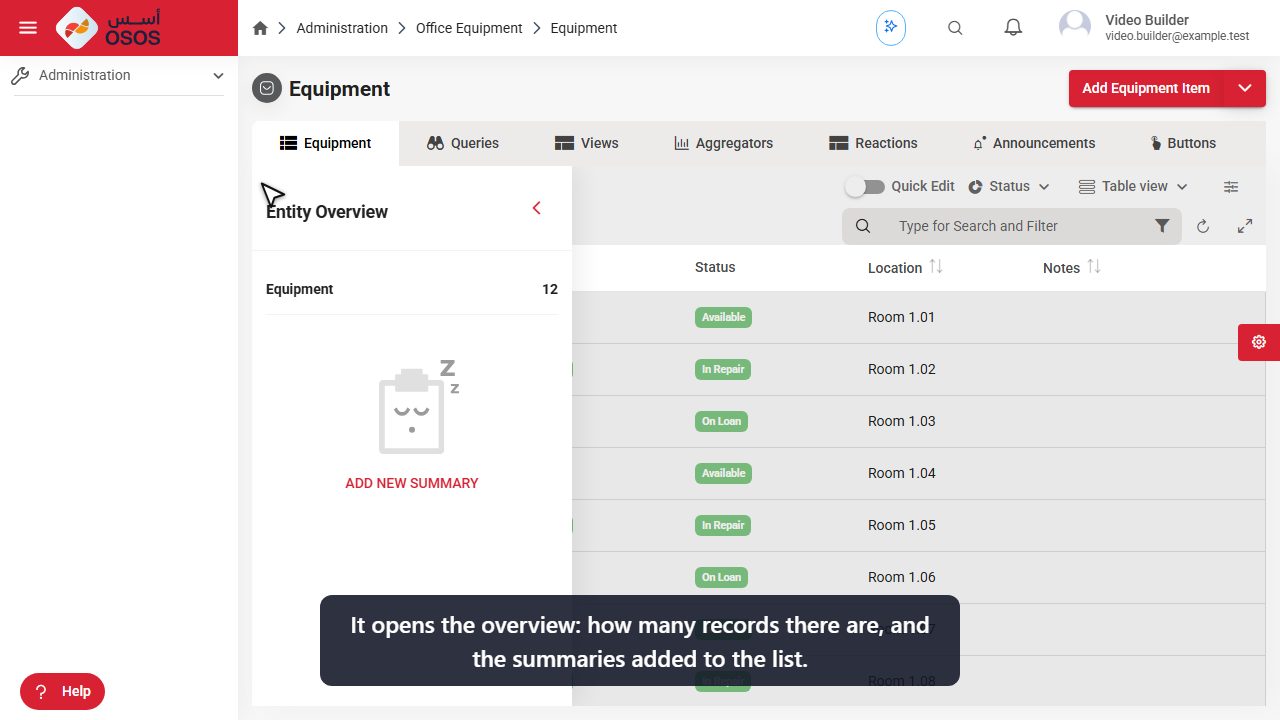 Open the overview beside a listThe arrow at the list's edge opens its overviewEnd user
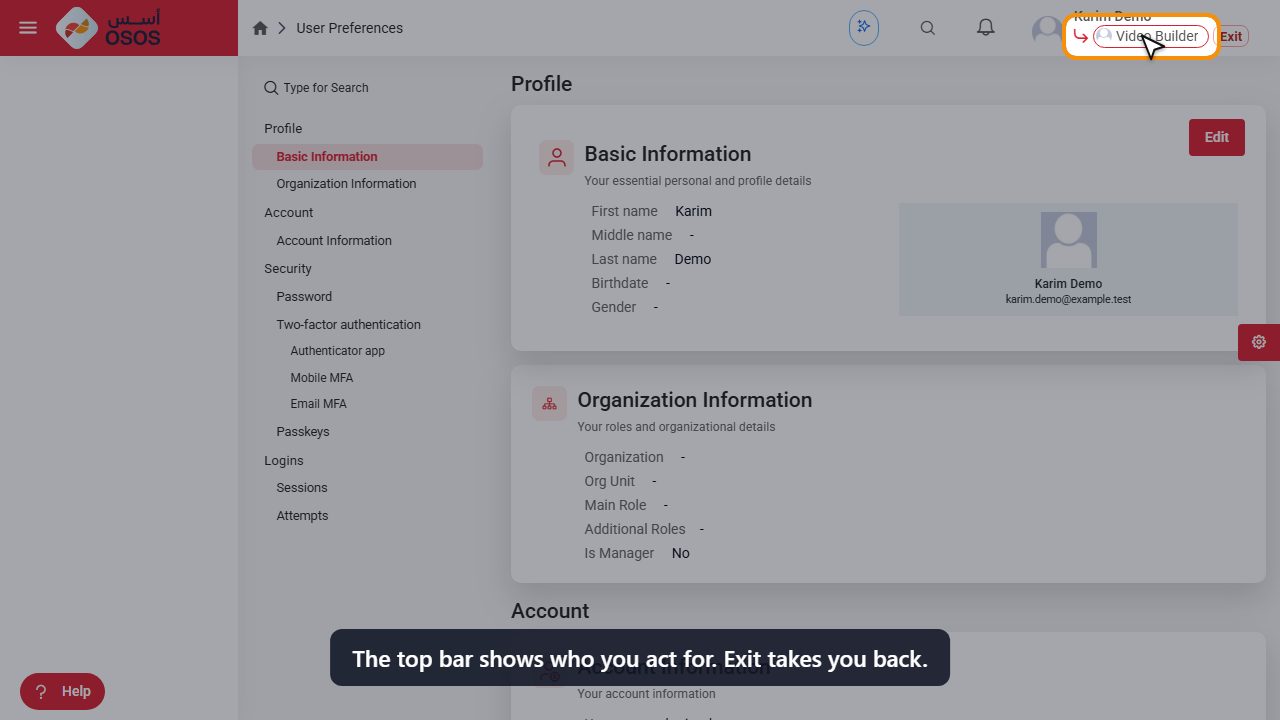 Open a link as the colleague you act forA link with ?delegation= switches to that delegation for youEnd user
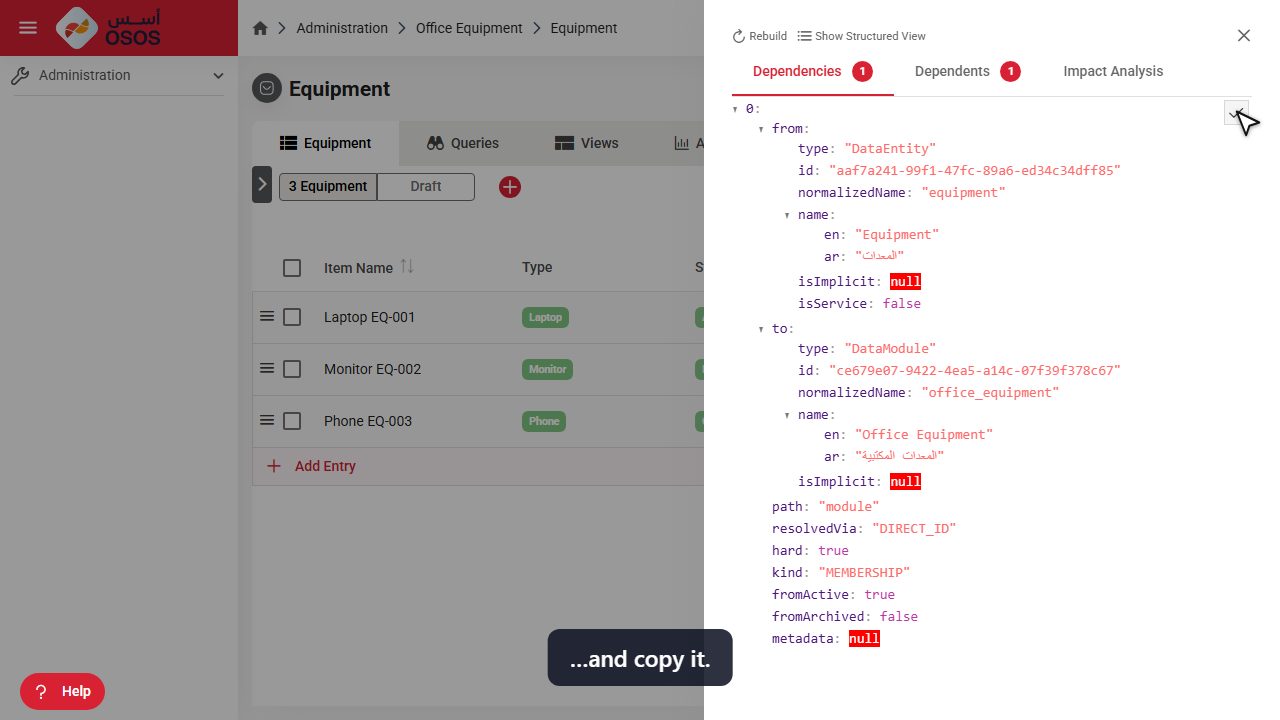 Copy dependencies as JSONView Dependencies has a raw JSON view, with a copy buttonApp builder
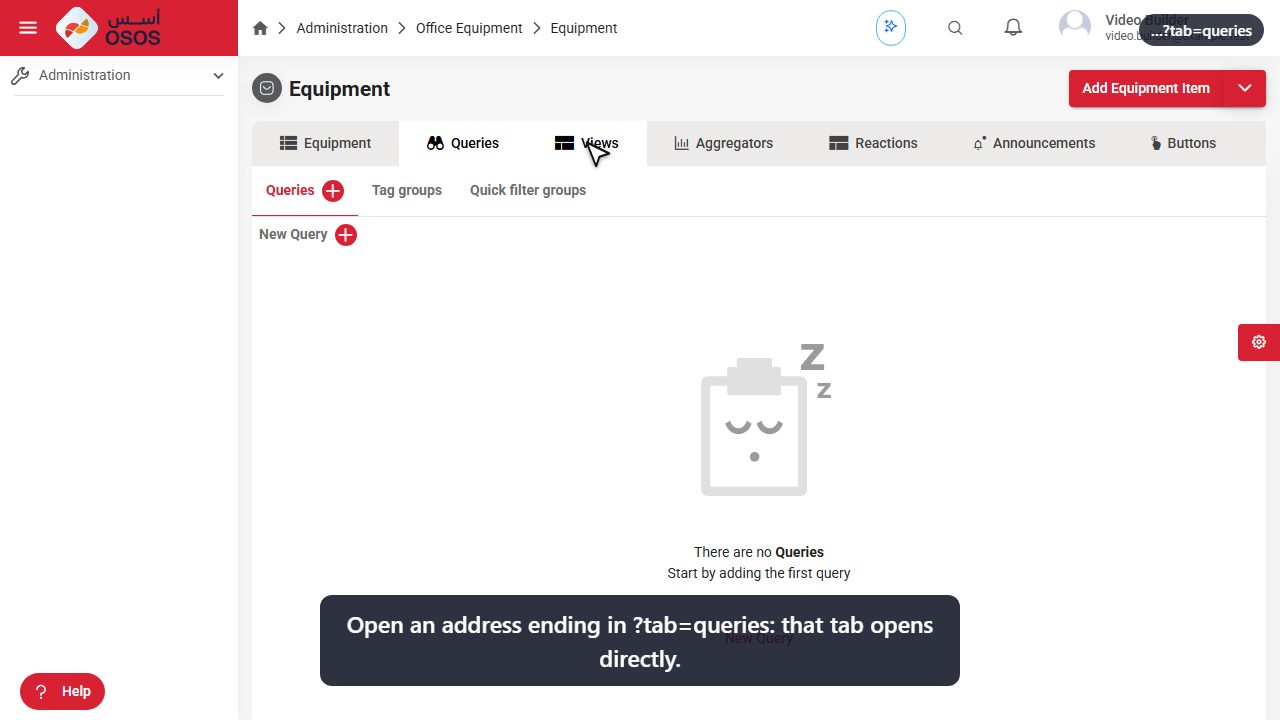 Link straight to a tab of an entityEach tab has its own address: share it or bookmark itApp builder
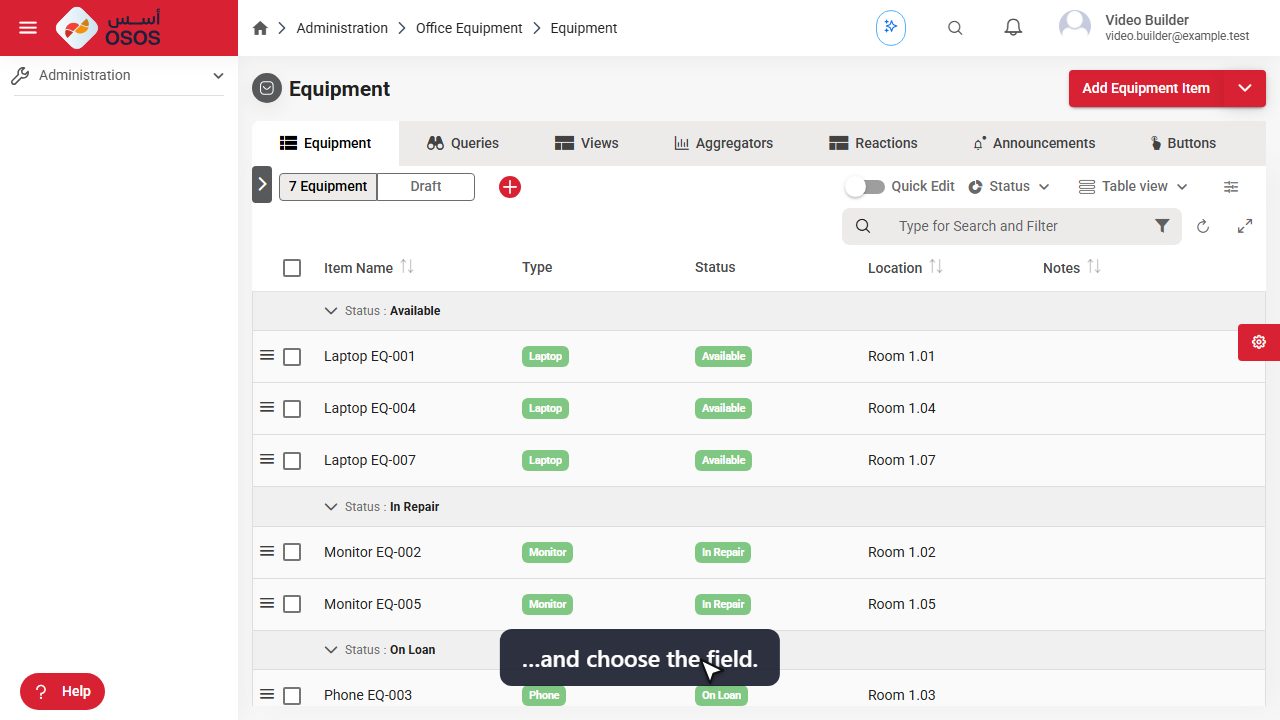 Group a list by a fieldView Settings › Add Group puts the records in groupsEnd user
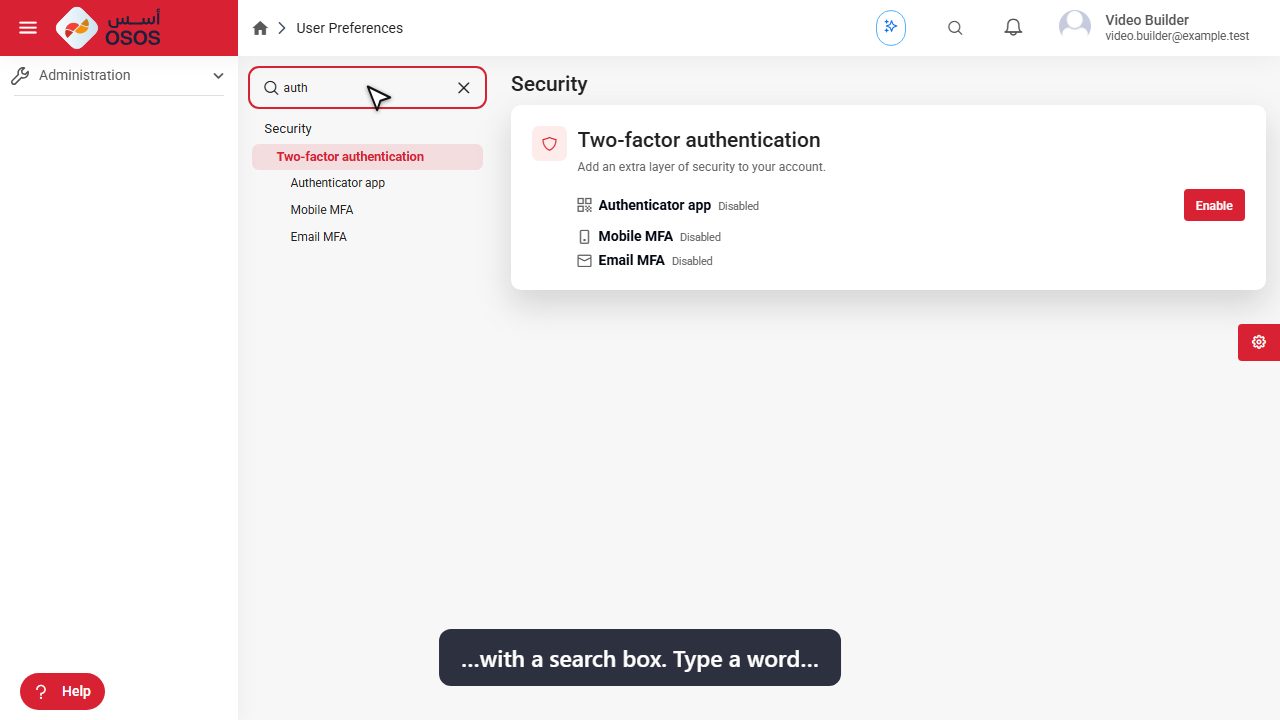 Find a setting on your profileType in the profile's index to jump to a settingEnd user
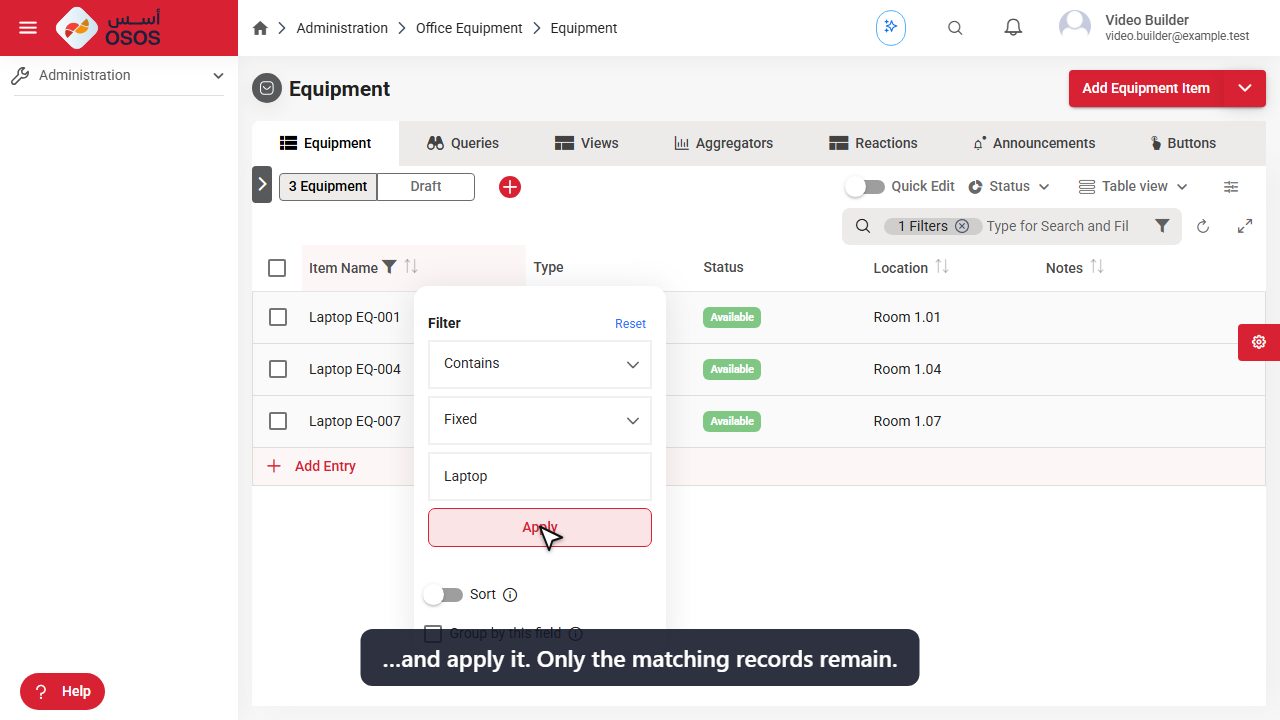 Filter a column from its headerThe ⋮ beside a column's name filters by that columnEnd user
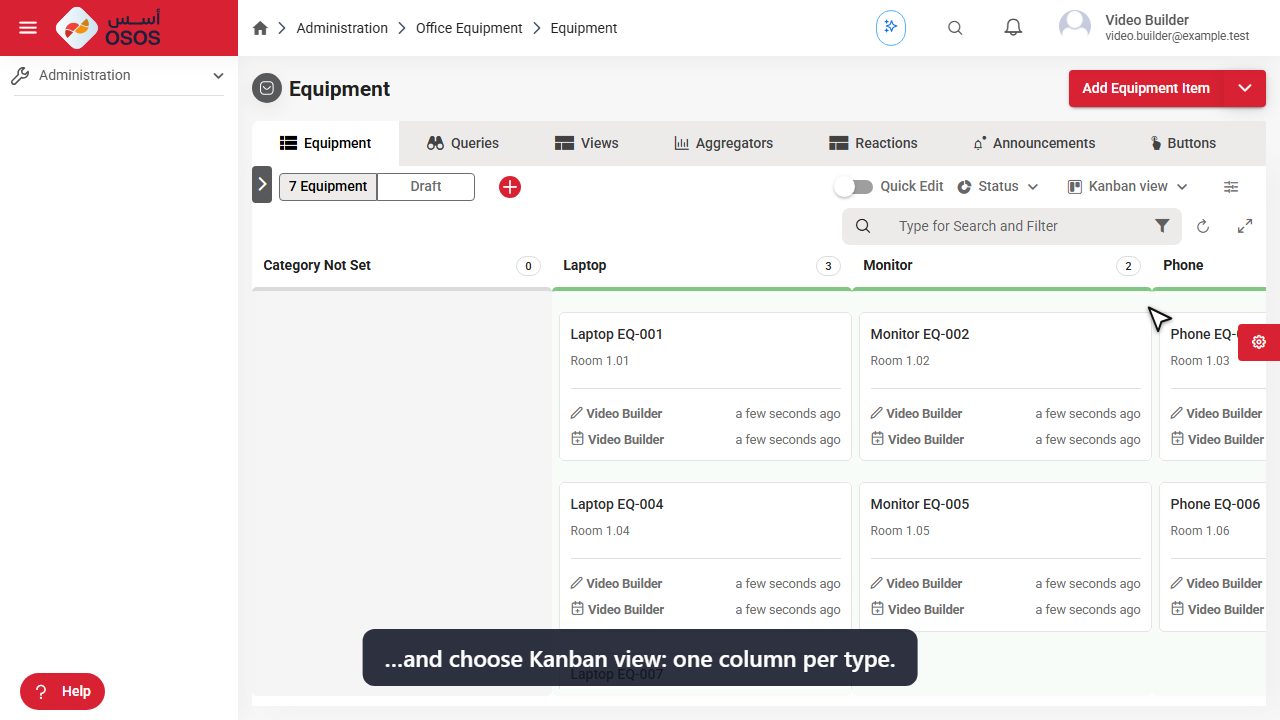 See a list as a boardThe display menu shows a list as a table, badges or a Kanban boardEnd user
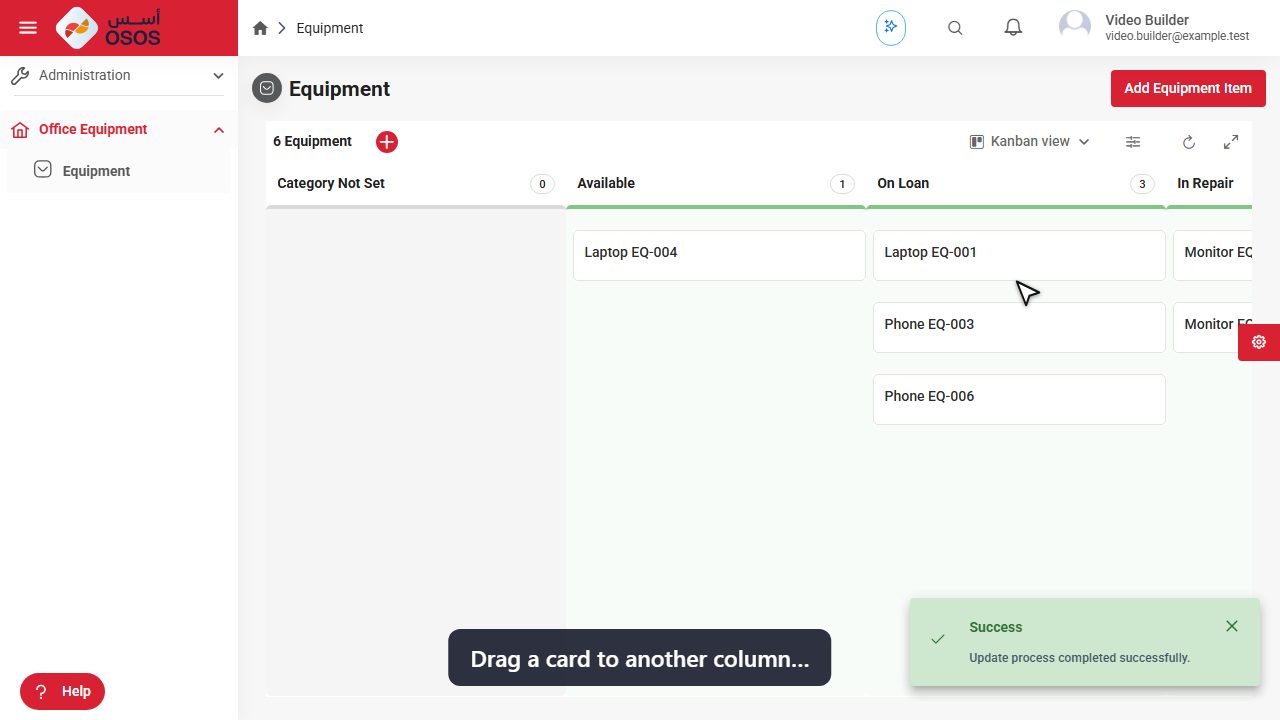 Drag a card to change its statusOn a Kanban board, moving a card changes the recordEnd user
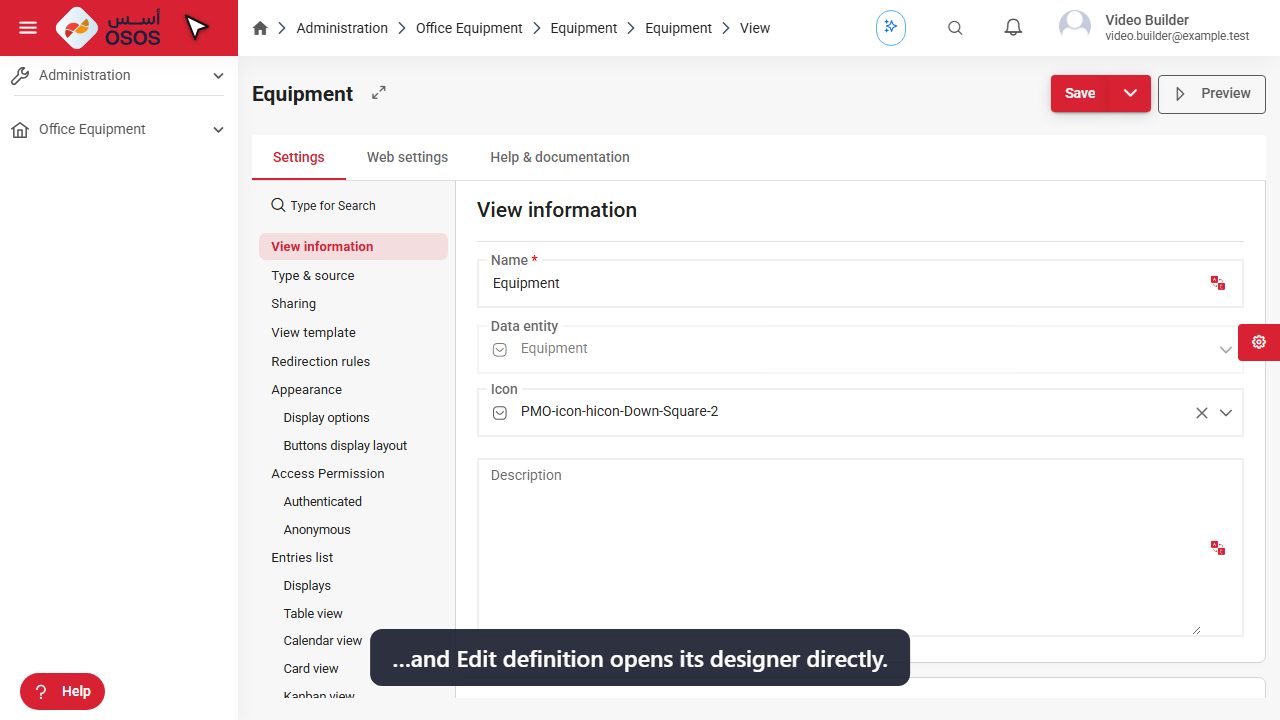 From a view to its designer in one clickThe admin bar links what you see to its definitionApp builder
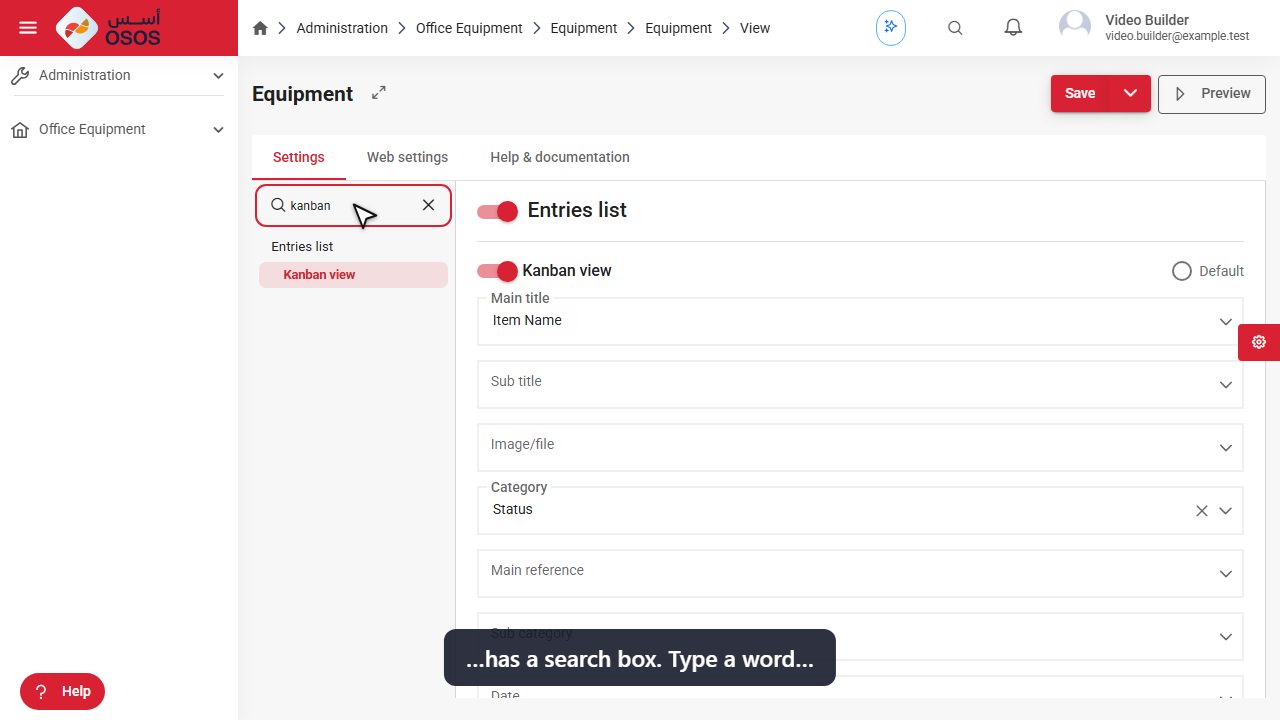 Search a view's settingsType in the index to jump to a settingApp builder
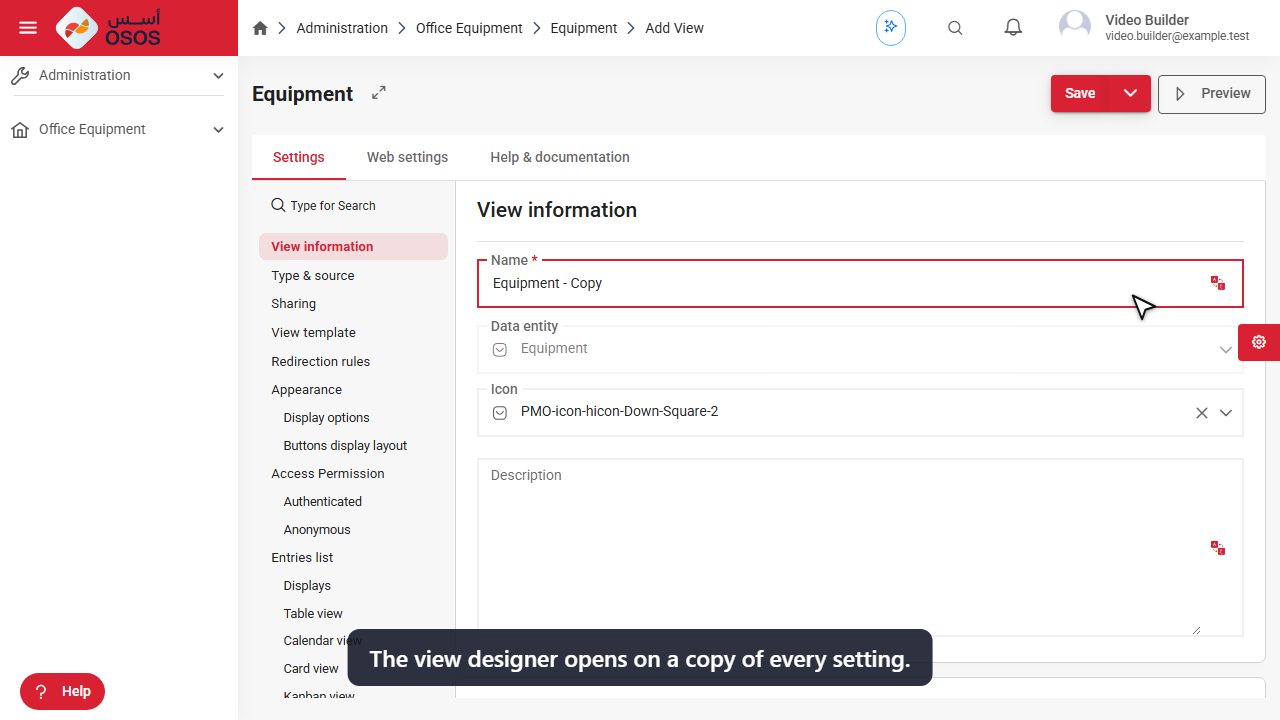 Start a view from a copyDuplicate copies every setting of a viewApp builder
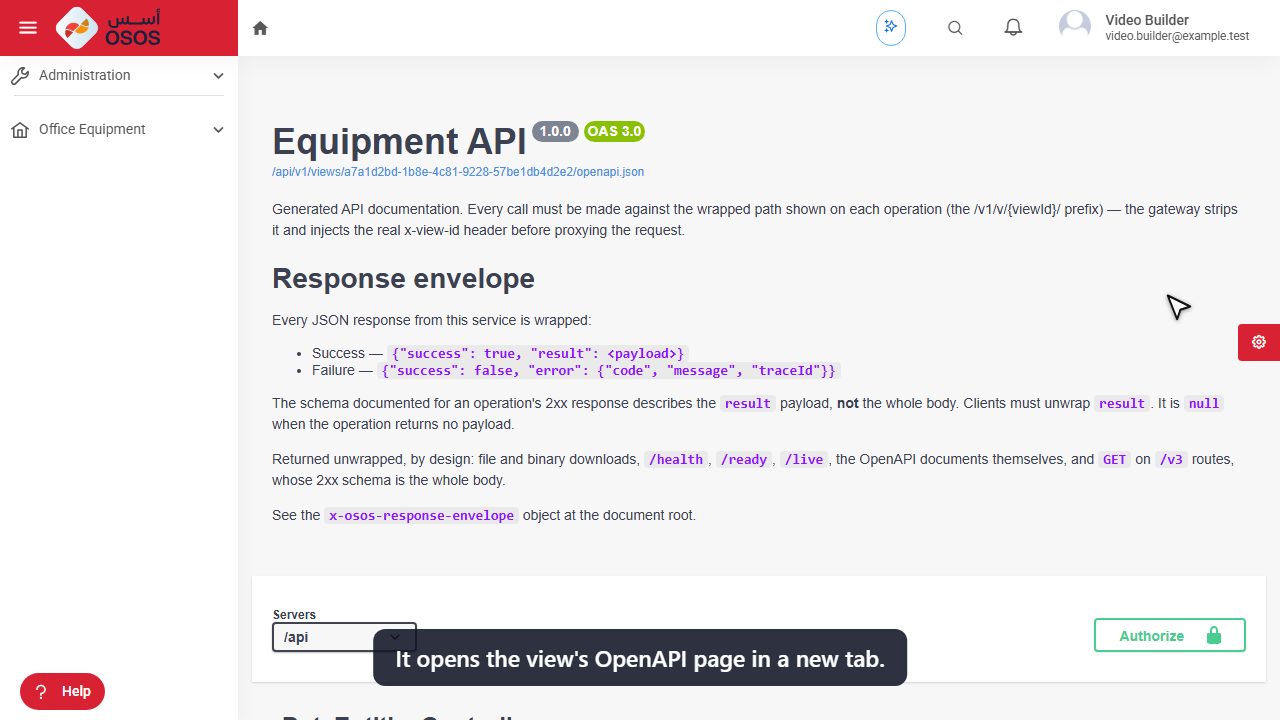 Open a view's API documentationEach view documents its own APIDeveloper
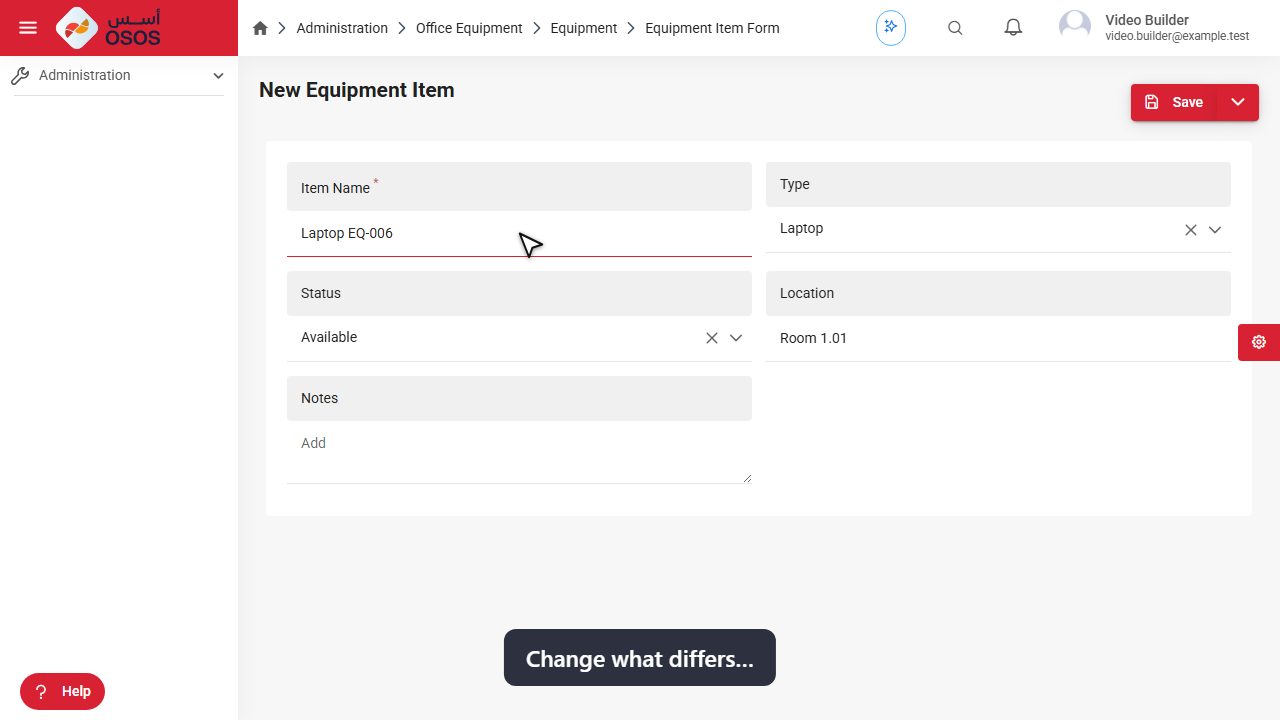 Add a record from a copyDuplicate fills a new record with another's valuesEnd user
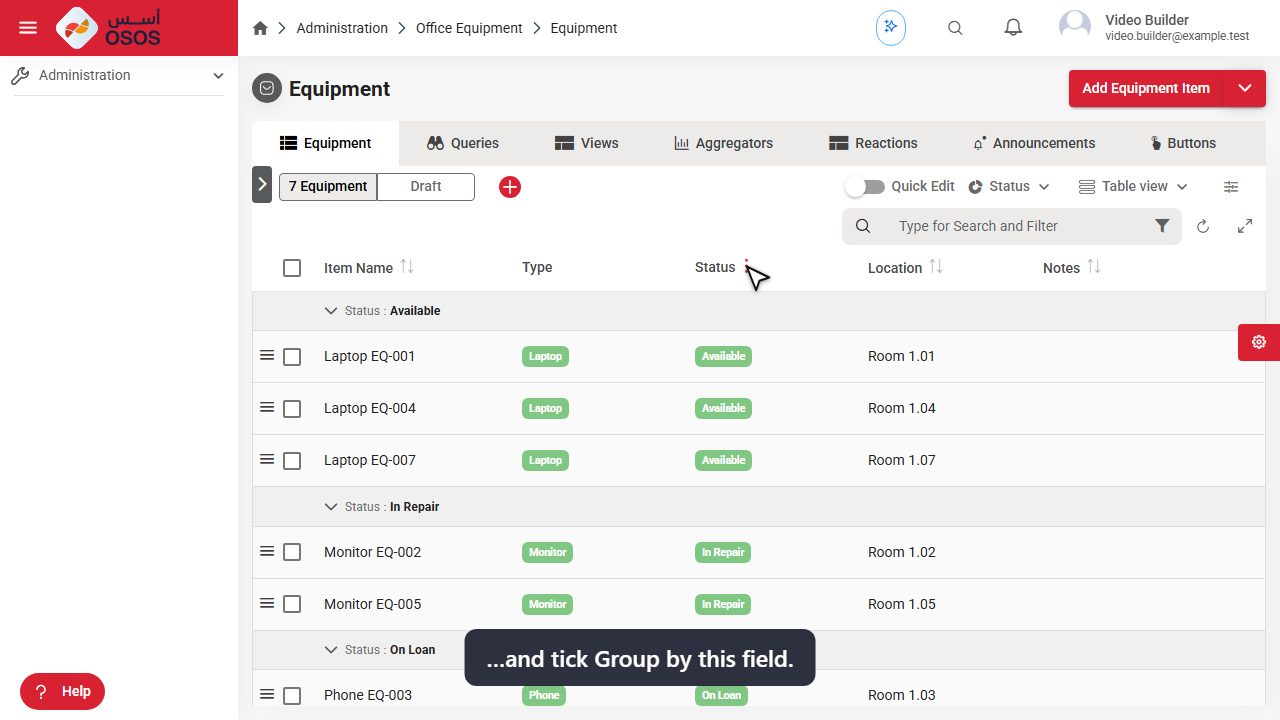 Group a list from a columnA column's ⋮ menu groups the list by that columnEnd user
How-tos
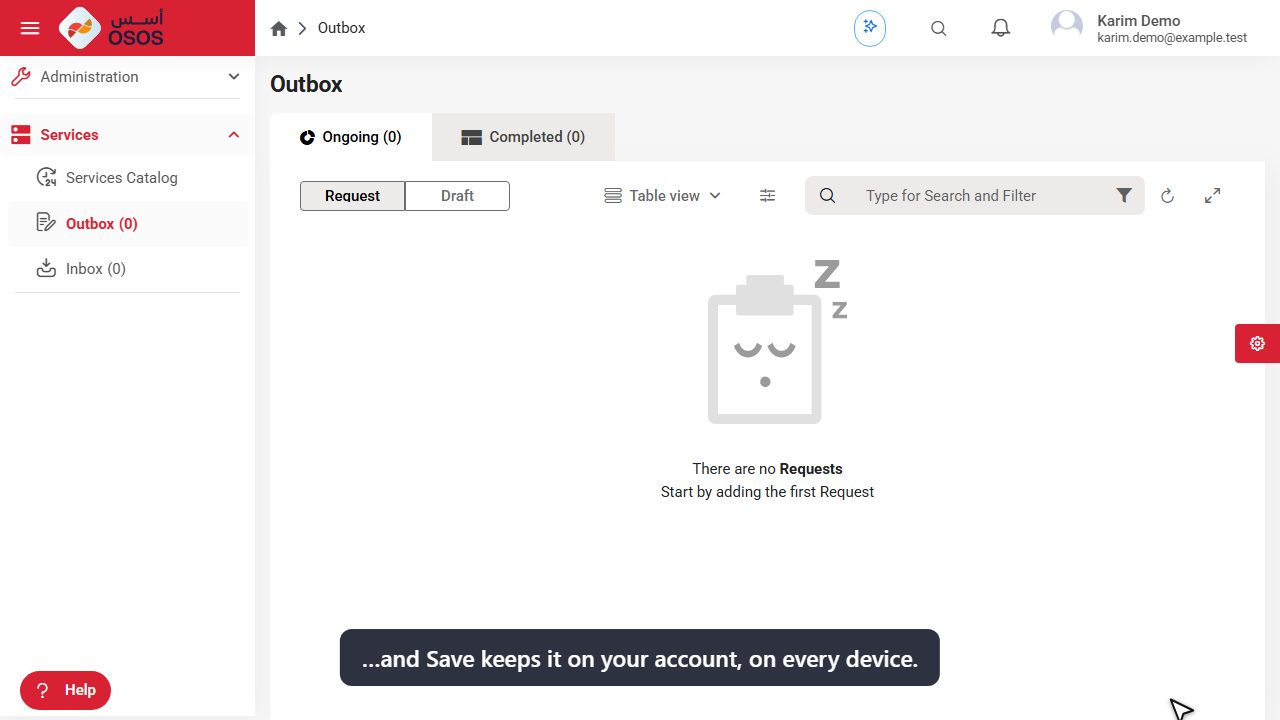 Find your way, and make it yoursThe sidebar, the bell, your menu — and Quick Settings: Save or ApplyEnd user
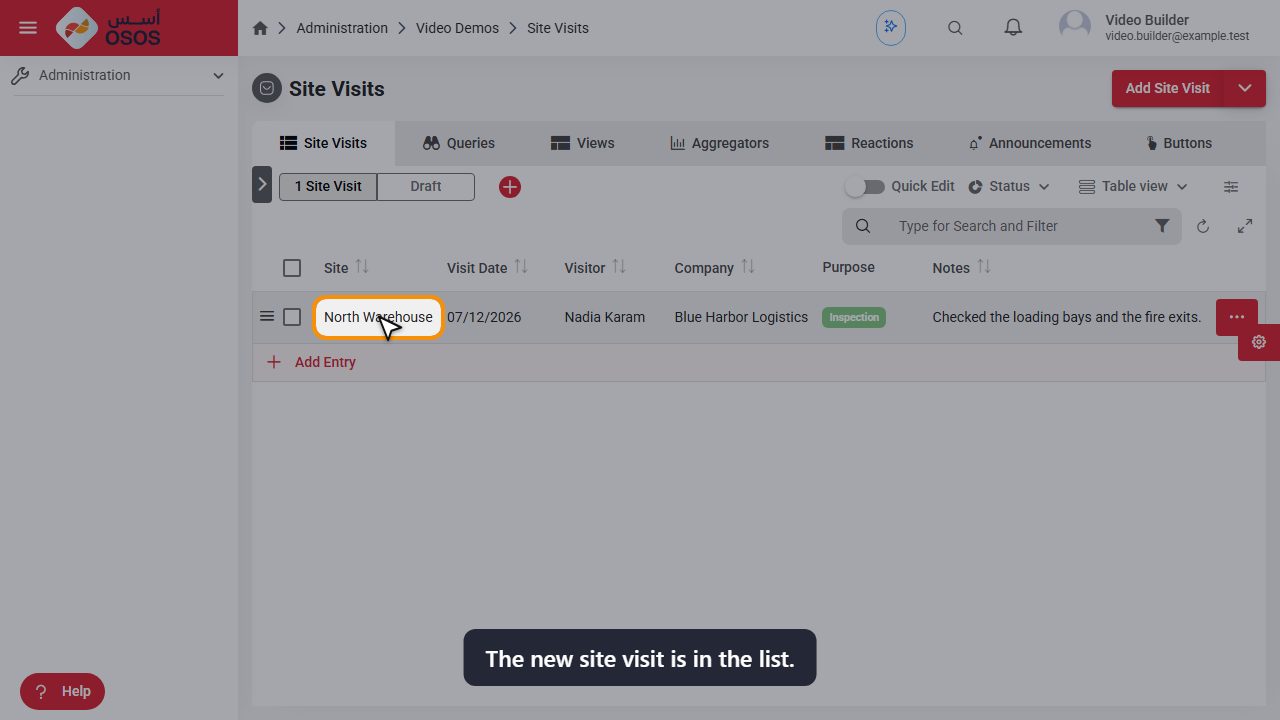 Add a recordFill in the form and saveEnd user
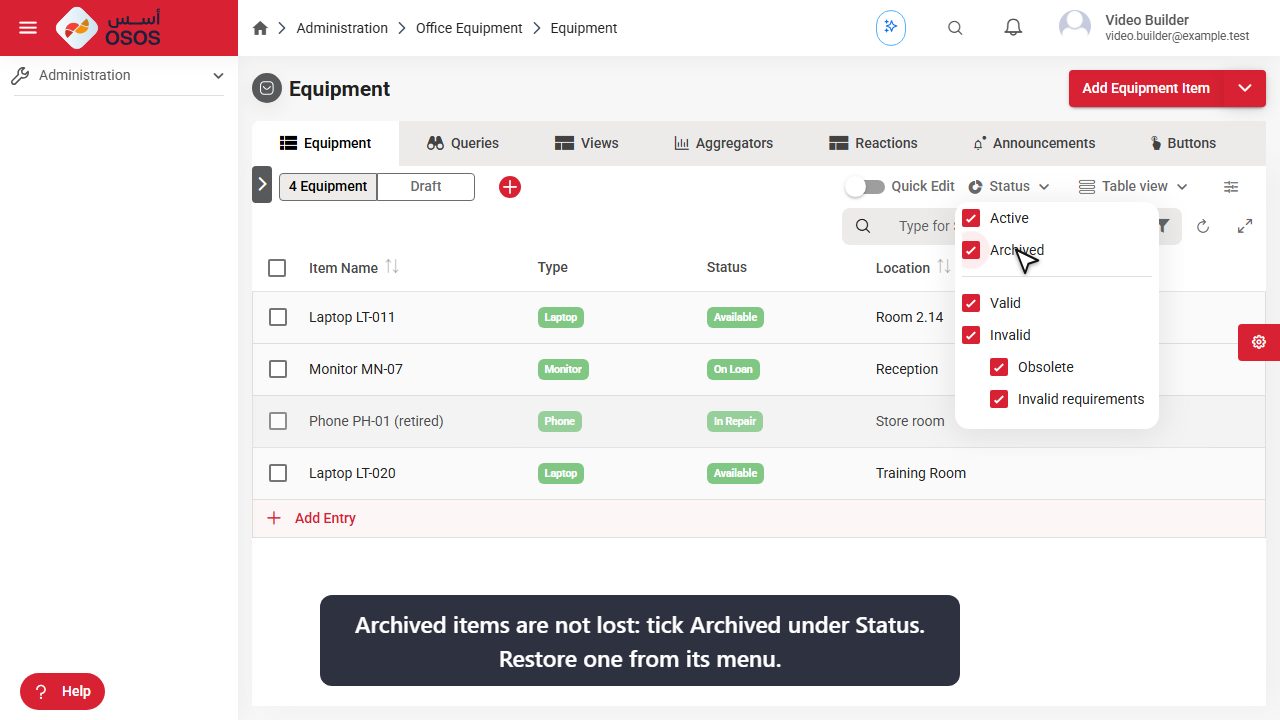 A record from draft to archiveDraft, save, archive, restore, exportEnd user
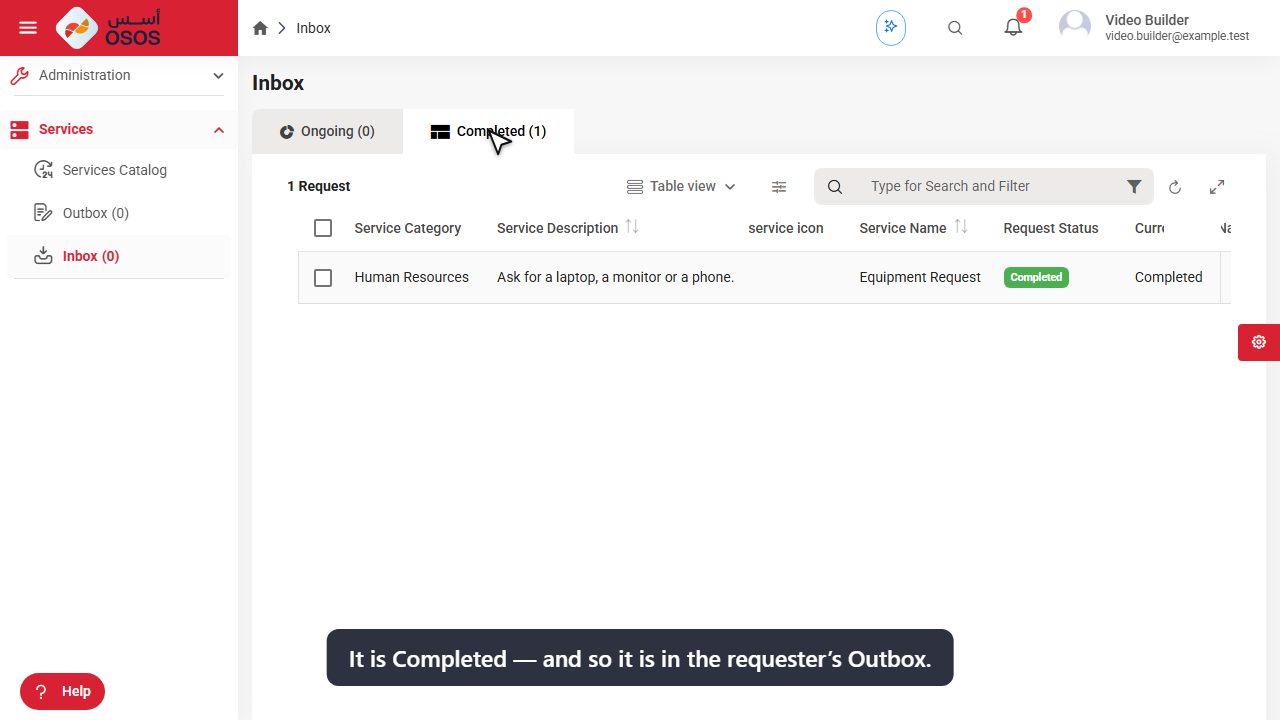 A request, there and backSubmit it, approve it from the Inbox, see it completedEnd user
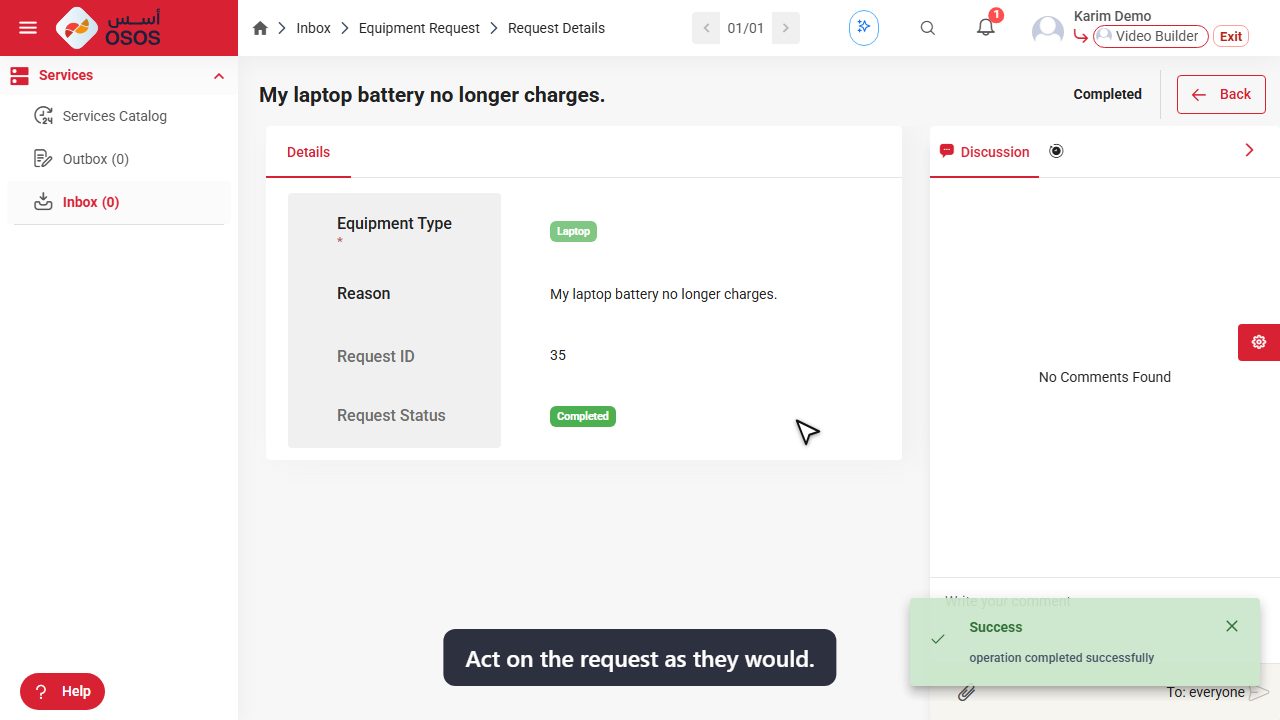 Work on behalf of a colleagueWhen someone delegates their work to youEnd user
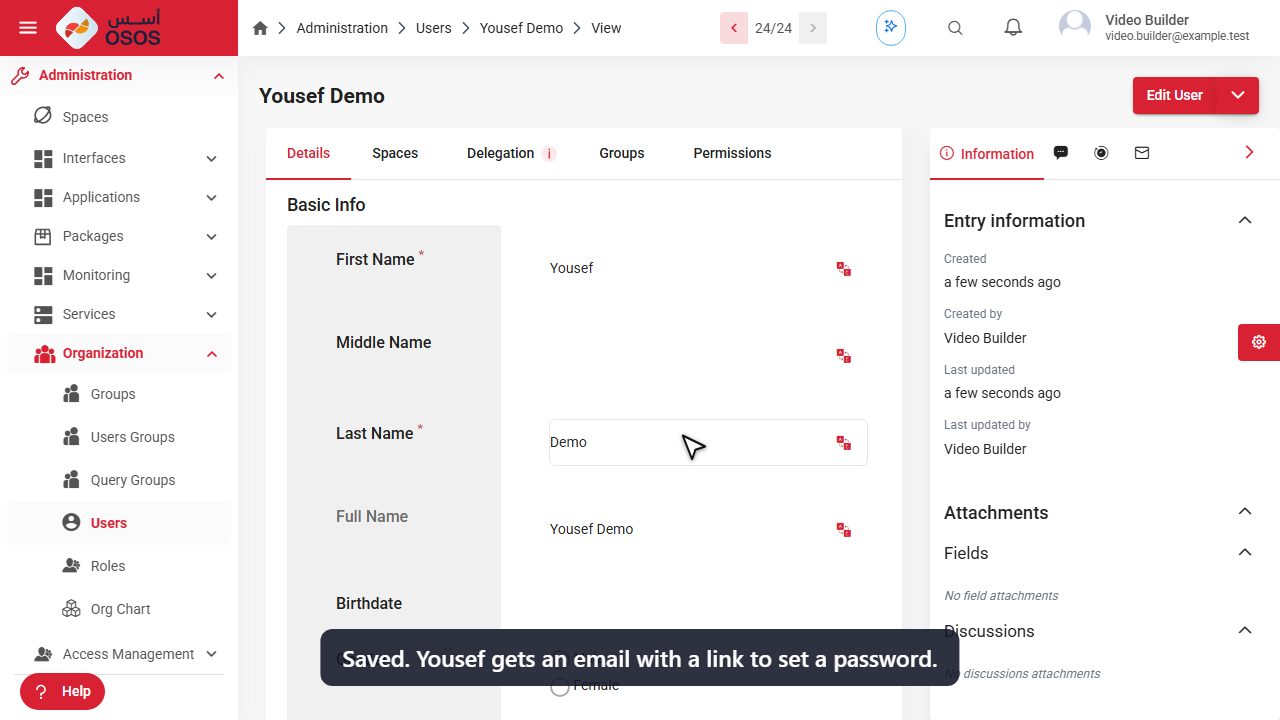 Add a userA new colleague, ready to sign inAdministrator
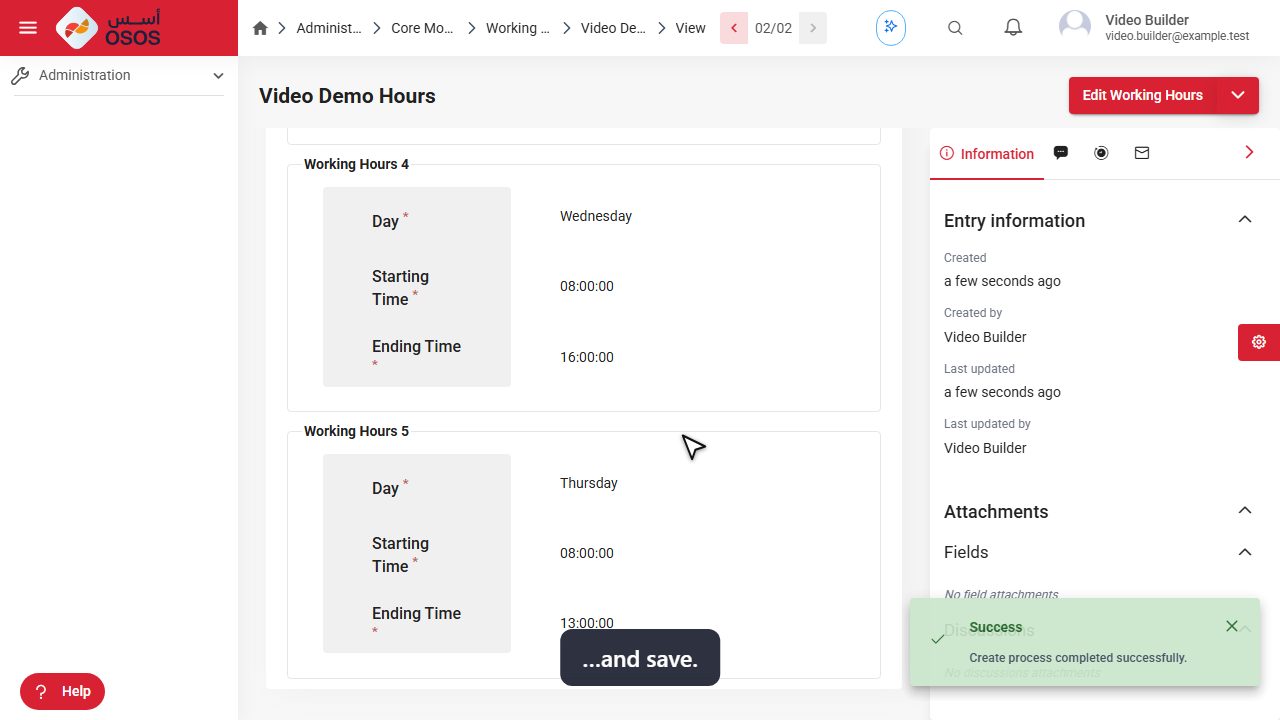 Add or change working hoursThe schedule a step’s time limit counts againstAdministrator
Tutorials
Administration tours
Customer support: enhancements
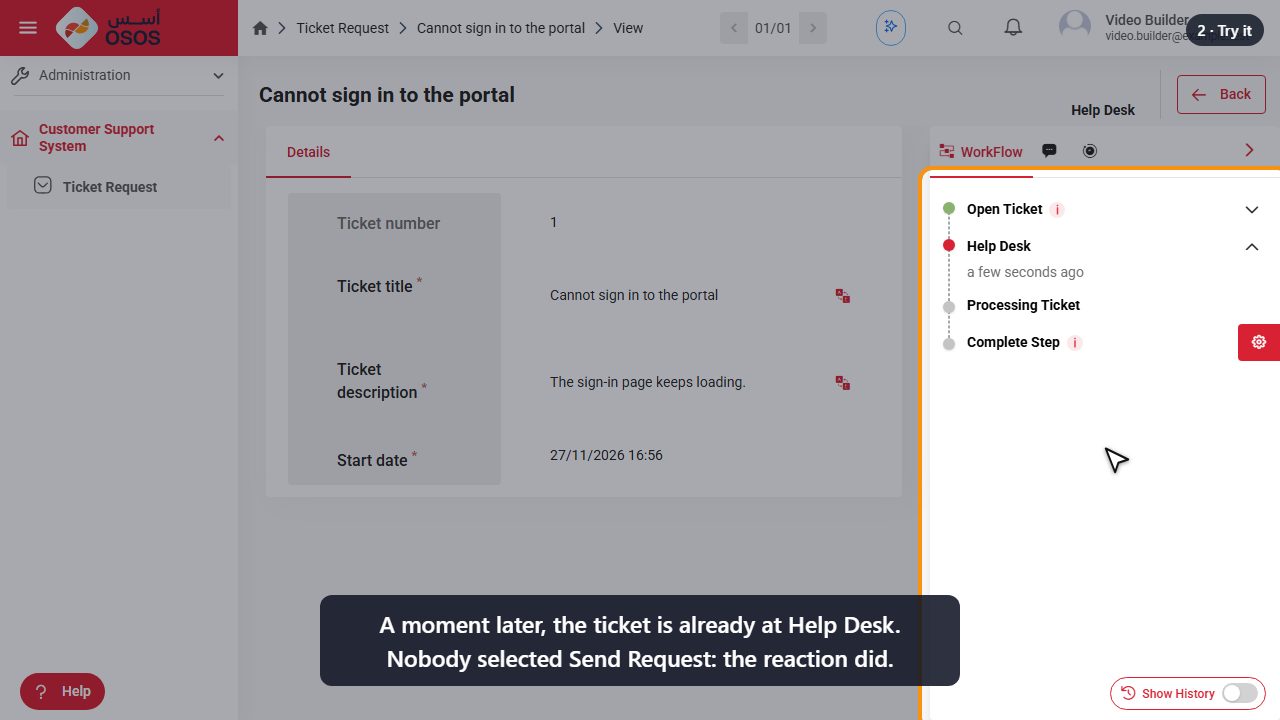 Part 1 · Move a ticket on automaticallyA reaction takes a workflow action, so nobody has to select itApp builder
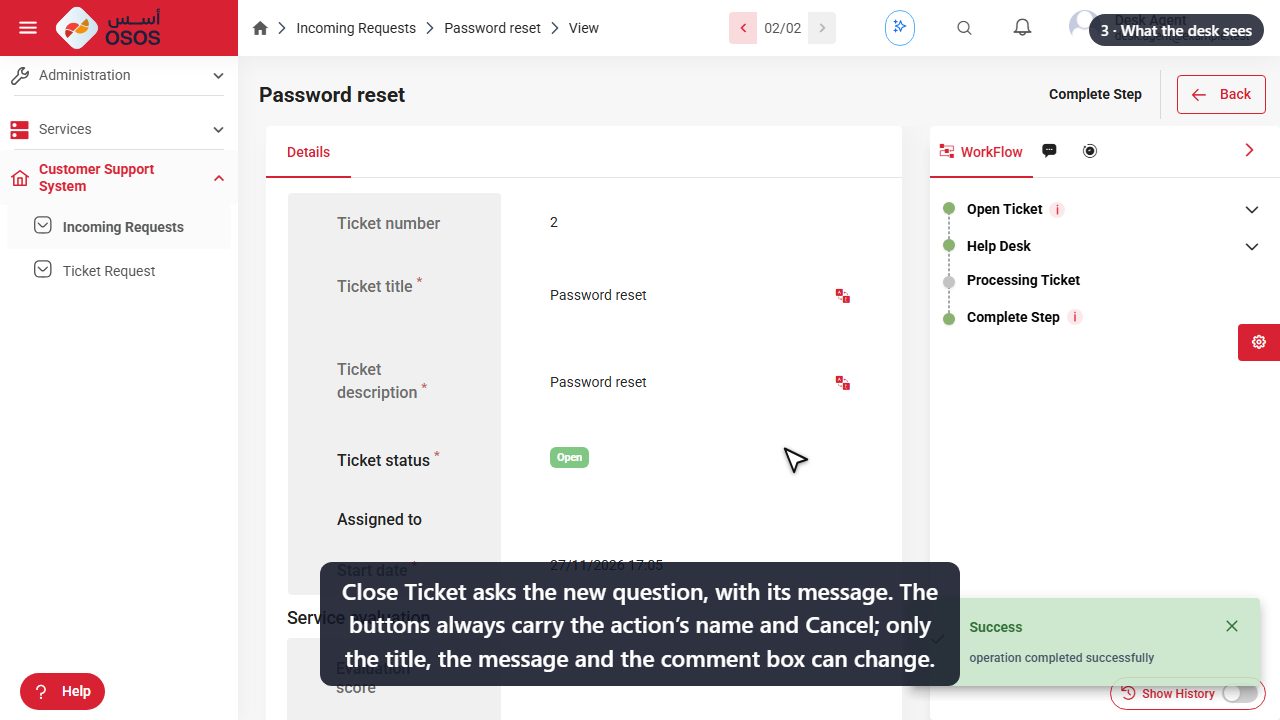 Part 2 · The action’s confirmation dialogSkip the dialog where it only costs a click, and reword it where it mattersApp builder
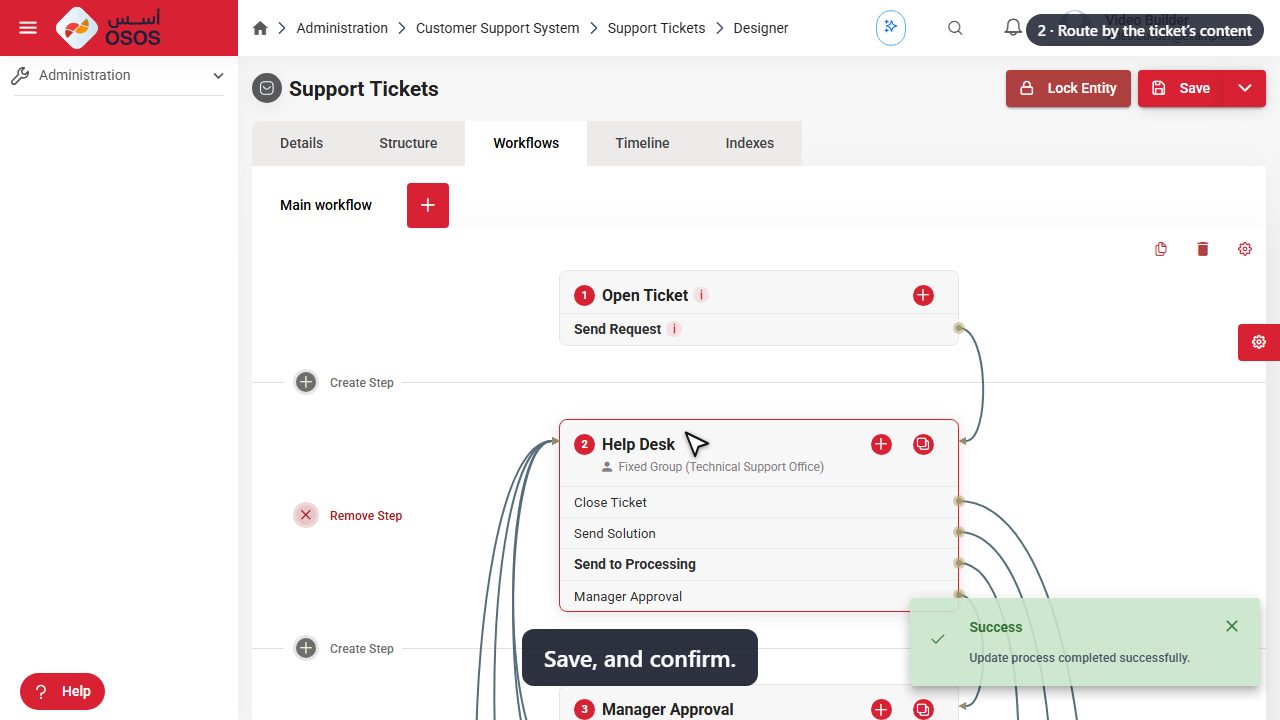 Part 3 · Conditions on actionsShow an action only when it makes sense, and route a ticket by its contentApp builder
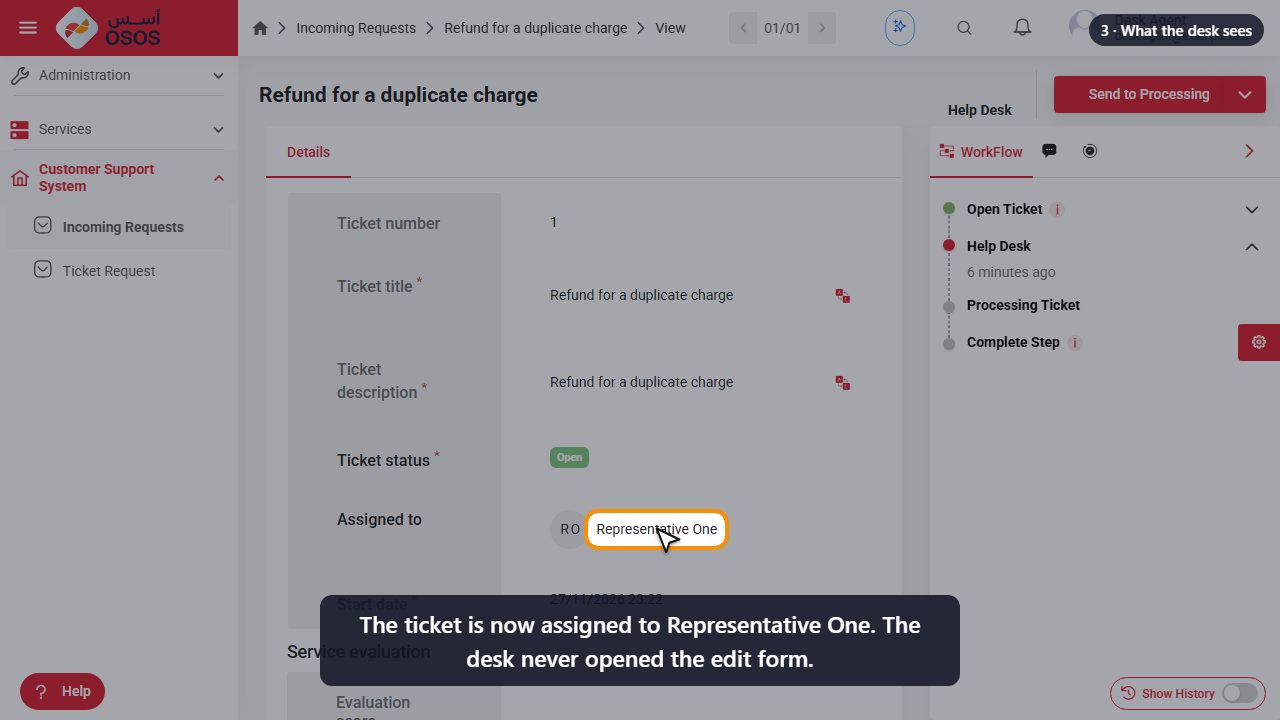 Part 5 · Ask the user for inputA button that asks for a value before it acts, and a comment a workflow action requiresApp builder
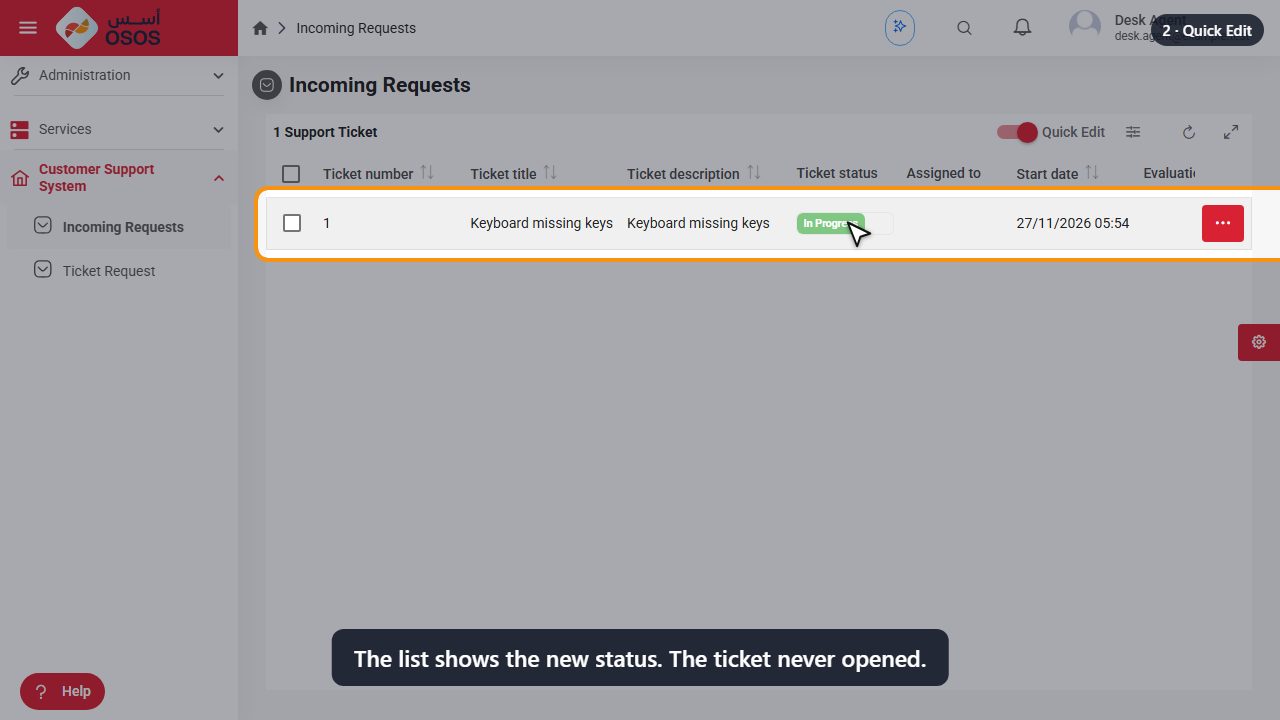 Part 6 · Edit in the listLet the desk change a ticket’s values right in the listApp builder
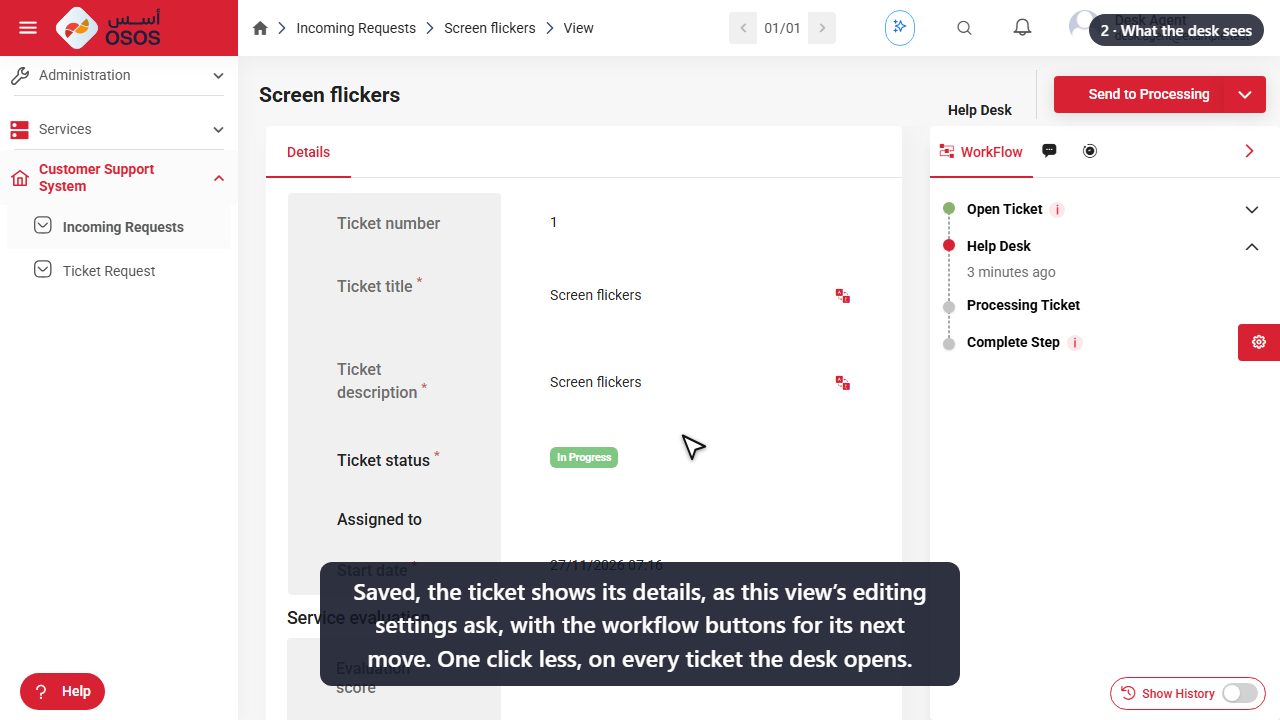 Part 7 · Open entries in the edit formMake the edit form, not the read-only details, what a ticket opens inApp builder
Customer support system
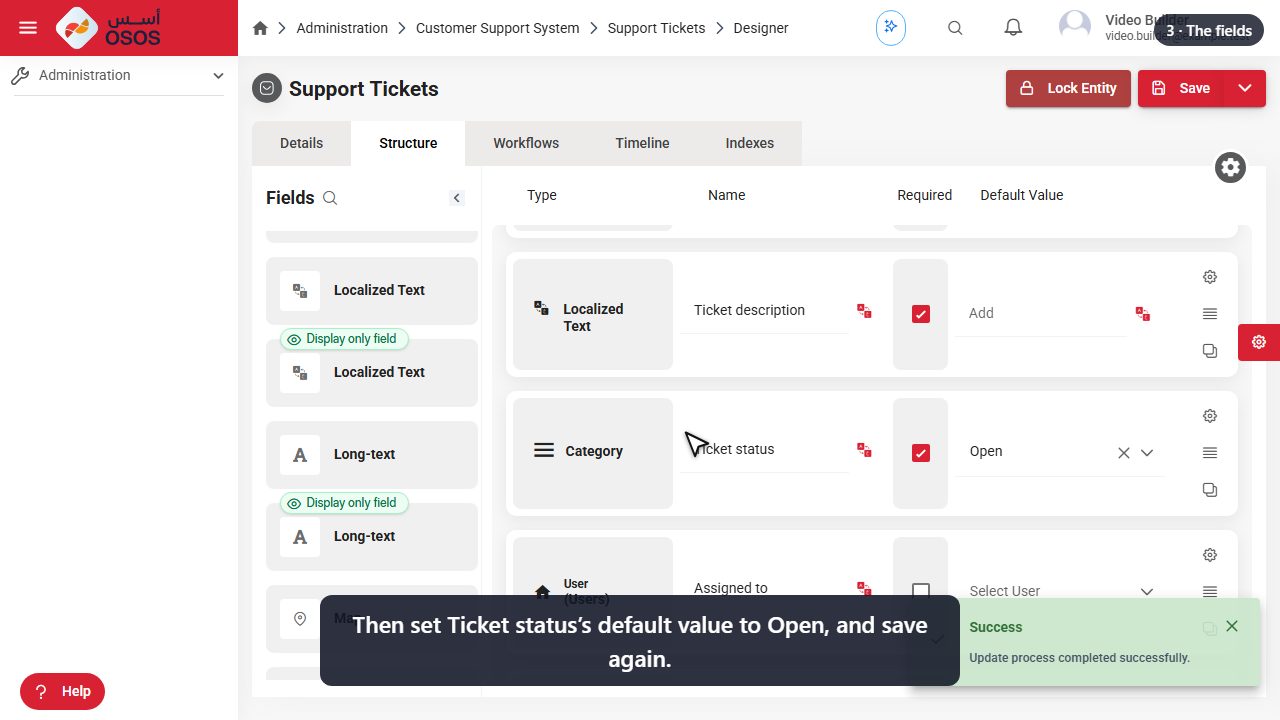 Part 1 · The module and the ticketThe Customer Support System module and its Support Tickets entityApp builder
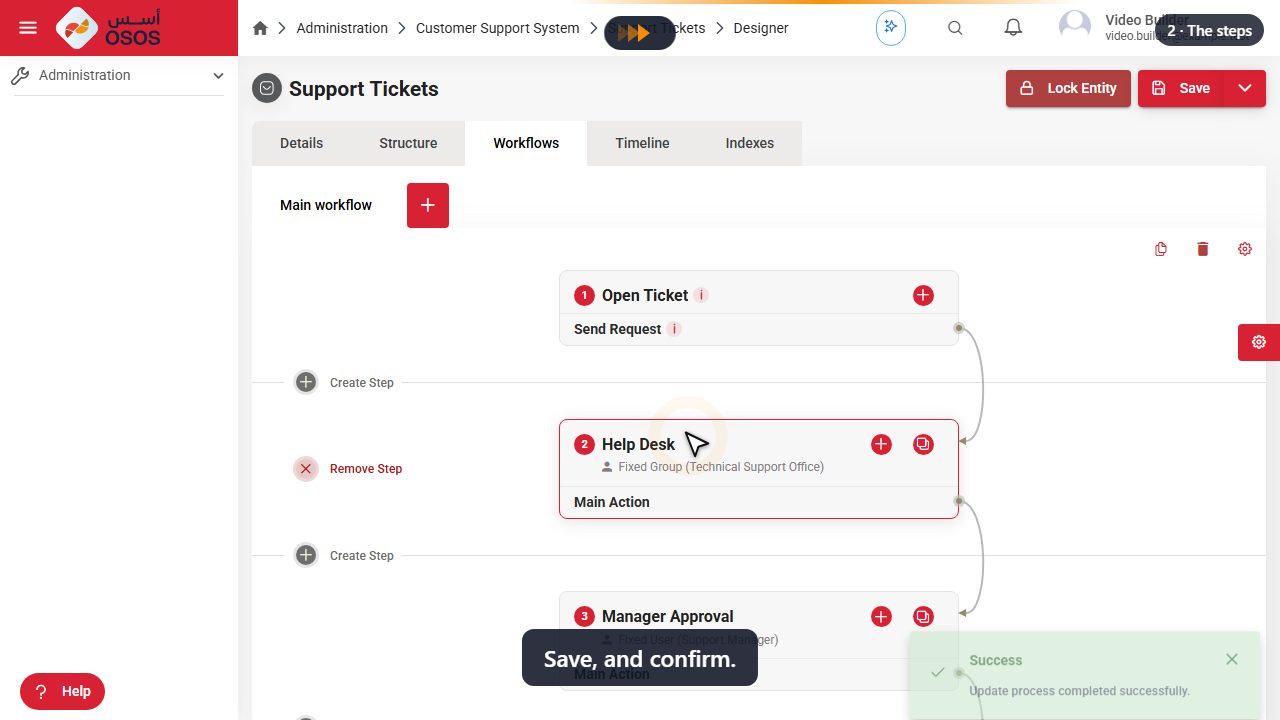 Part 2 · Five steps, three kinds of ownerThe ticket workflow: its steps and who owns each oneApp builder
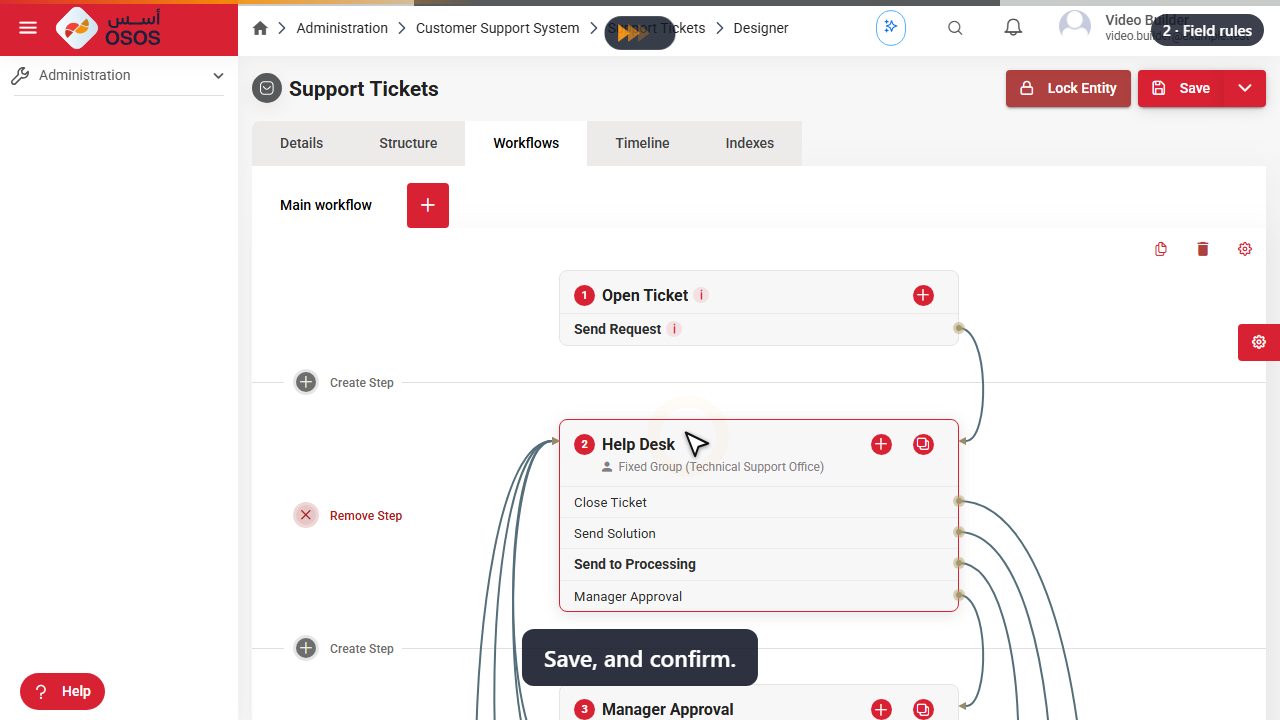 Part 3 · Actions and field rulesConnect the steps, and decide what each step may changeApp builder
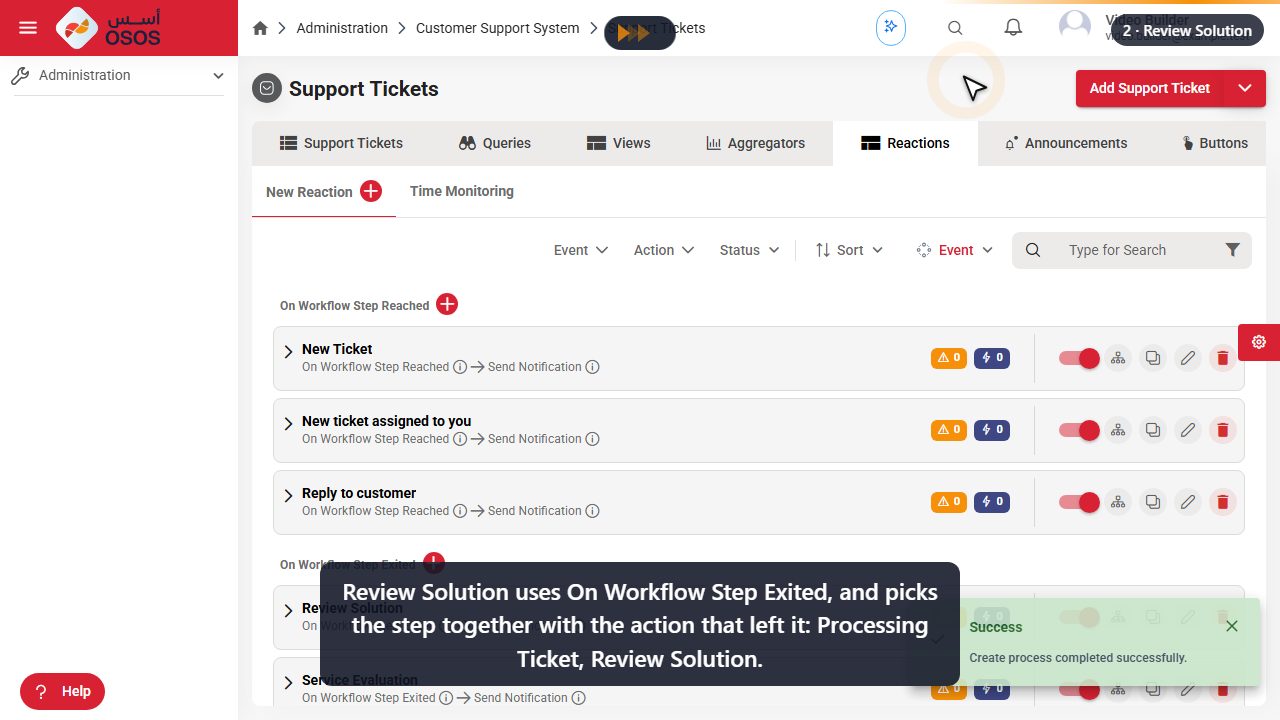 Part 4 · Seven notificationsTell each person when a ticket reaches themApp builder
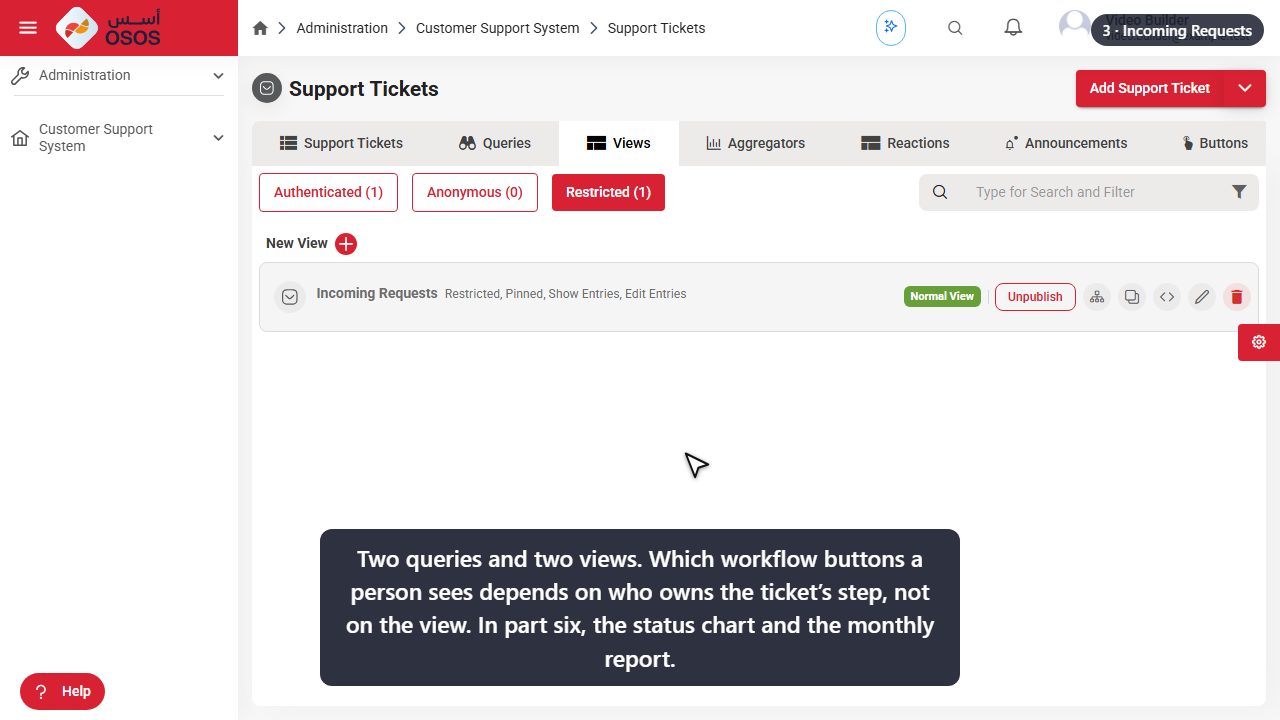 Part 5 · Queries and the two viewsA saved filter, and the screens customers and the desk work inApp builder
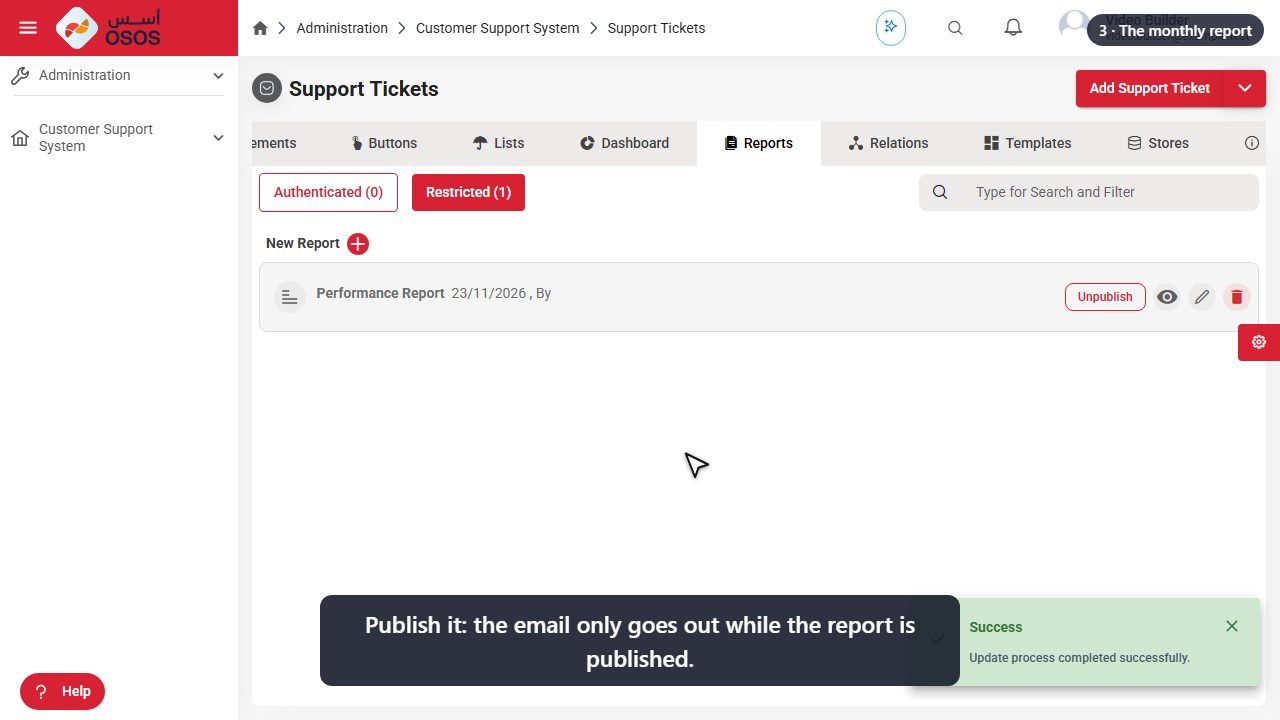 Part 6 · The status chart and the monthly reportA chart of tickets by status for the desk, and a PDF report for the managerApp builder
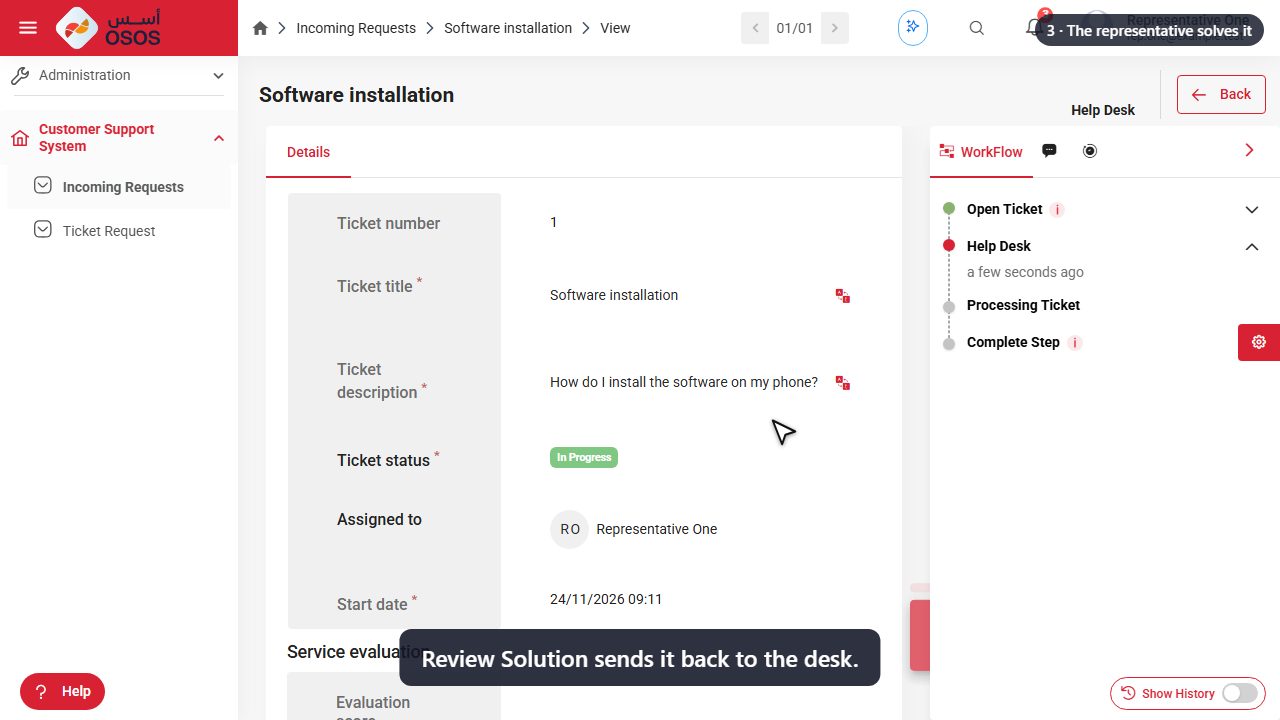 Part 7 · Testing, part 1: open, route, solveOne ticket from the customer, through the desk, to the representativeApp builder
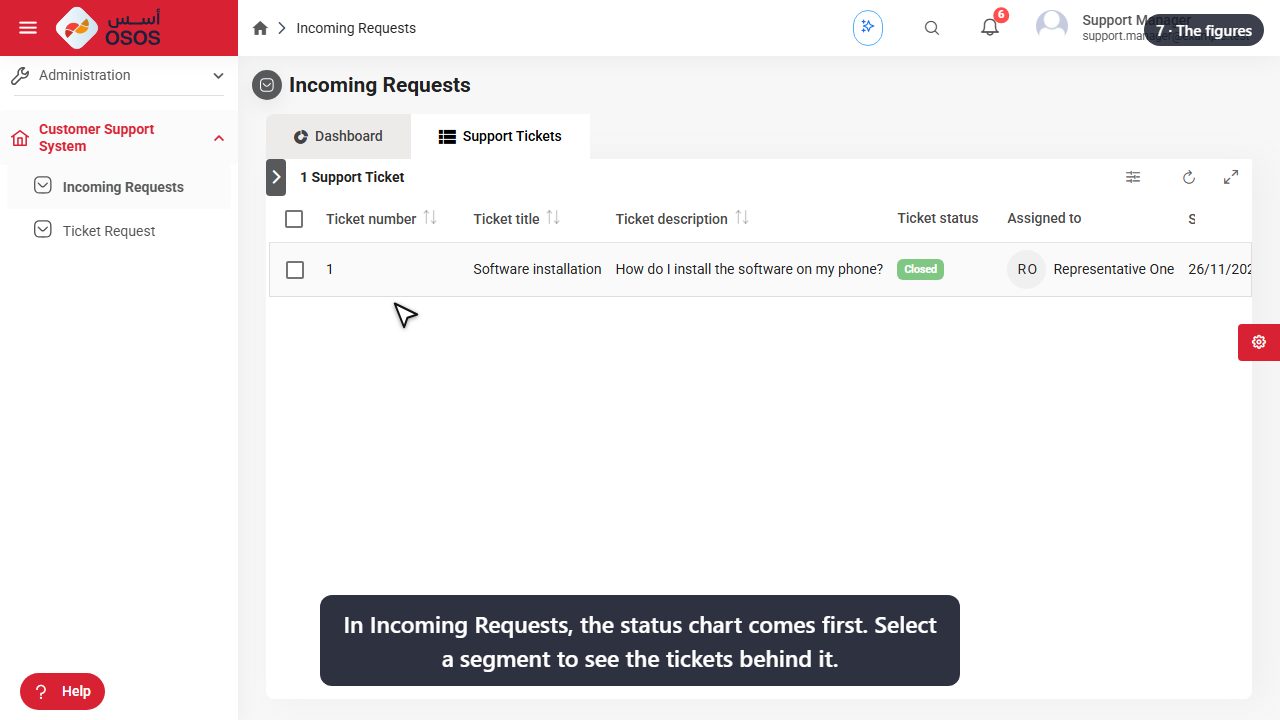 Part 8 · Testing, part 2: approve, rate, closeThe same ticket through approval, the customer’s rating and closing, then the figuresApp builder
My First Application
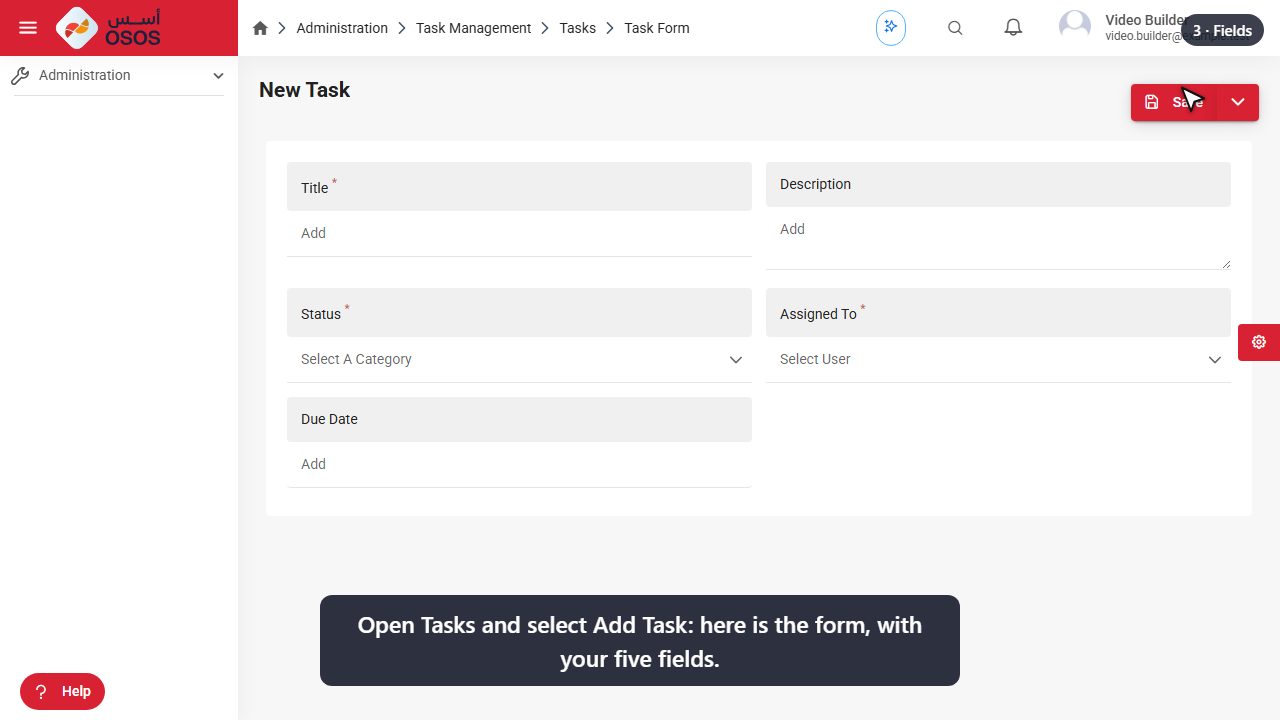 Part 1 · The module and the Tasks entityCreate the Task Management module and its Tasks entityApp builder
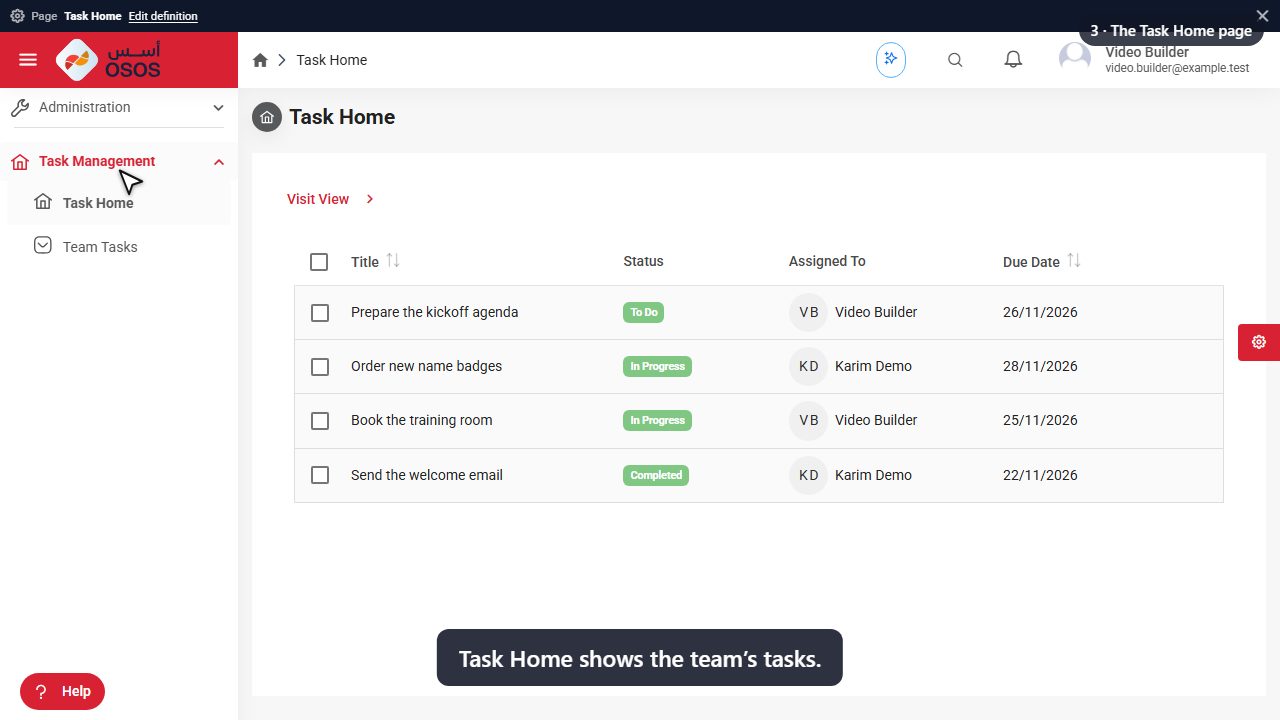 Part 2 · The Team Tasks view and the Task Home pageA table and a Kanban board, opened to a group, on a home pageApp builder
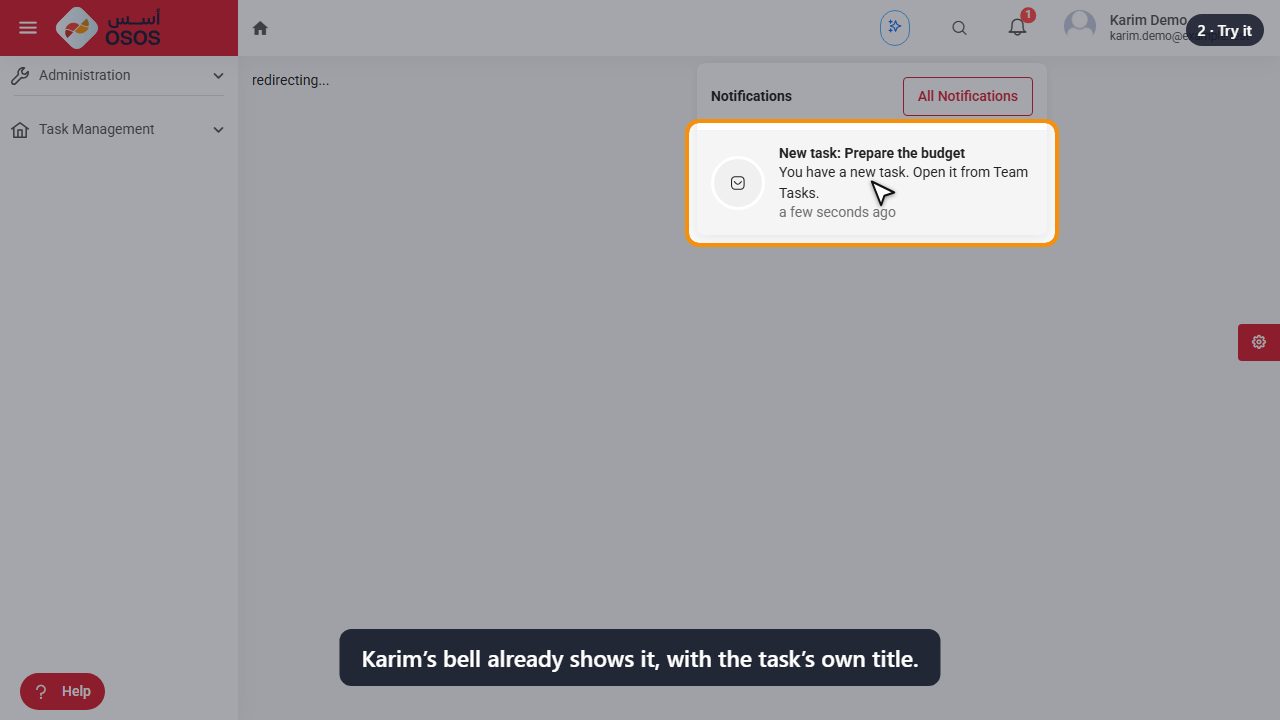 Part 3 · Notify the assigneeA reaction tells each person when a task is assigned to themApp builder
Recruitment system
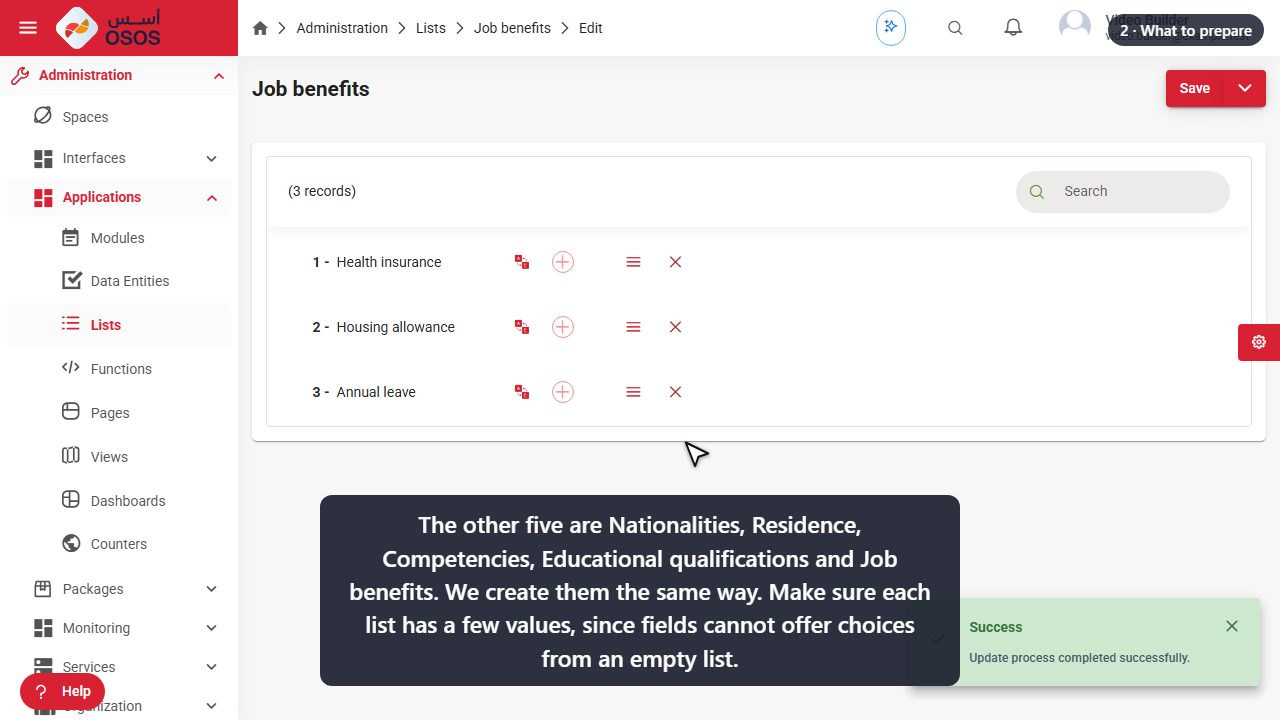 Part 1 · The need, and what to prepareWhat the recruitment system does, and the users, groups, units and lists it needsApp builder
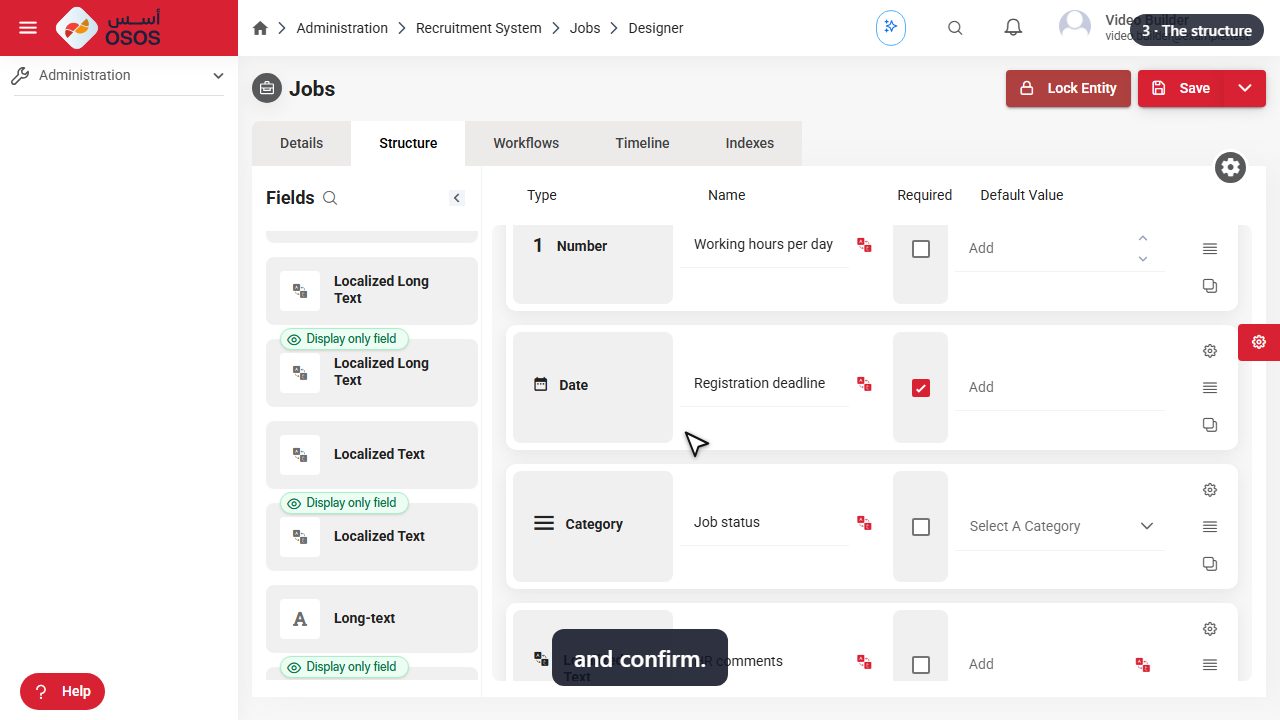 Part 2 · The Recruitment module and the Jobs entityThe Recruitment System module, and the fields of the Jobs entityApp builder
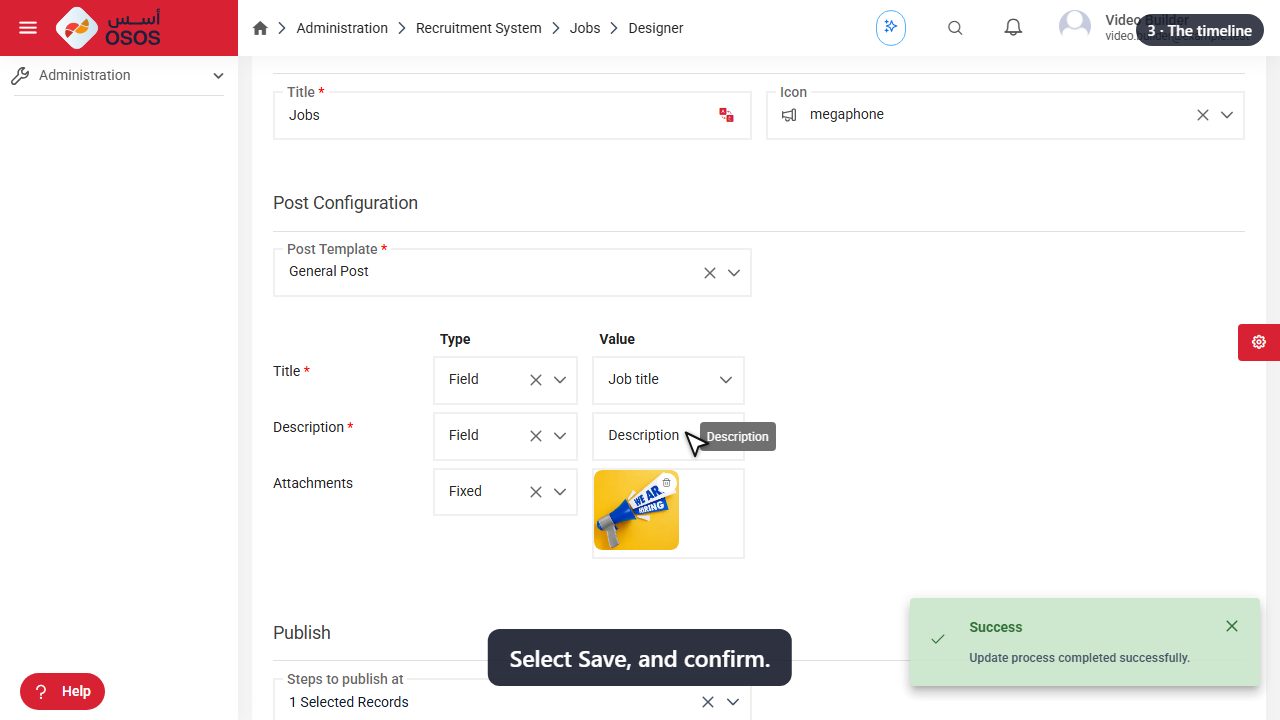 Part 3 · The Jobs workflow, reactions and timelineThe review and publication workflow of the Jobs entity, its nine reactions, and the timeline of open jobsApp builder
Platform 1.10.0 · Backend 1.11.0-alpha.11 · Frontend 1.11.0-alpha.6 · Mobile 1.10.2 · Chart 1.11.8 · Gateway 2.6.11 · MCP 0.2.0 · Grafana DS 1.2.0Docs build 2026-11-27