

Quick tips
Section titled “Quick tips”One trick per video, 15 to 30 seconds each.
 Switch to dark modeQuick Settings is one click awayEnd user
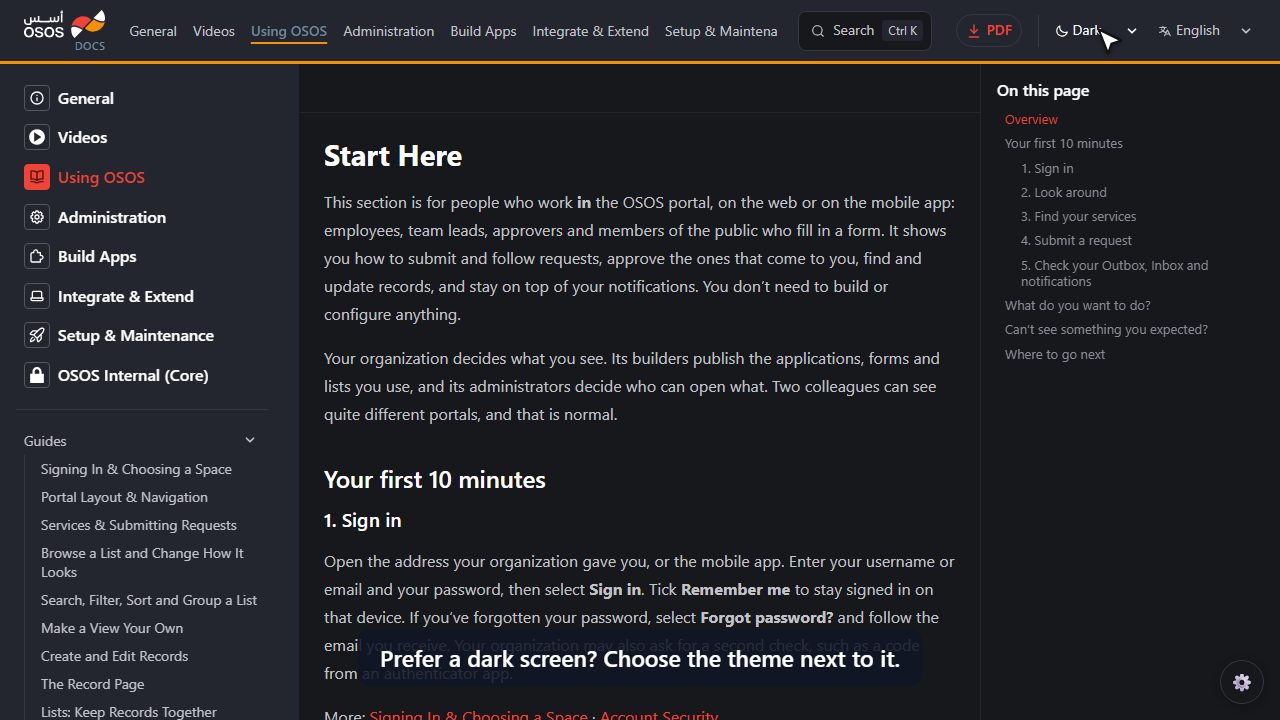 Read the docs your waySwitch the language and the theme in one click
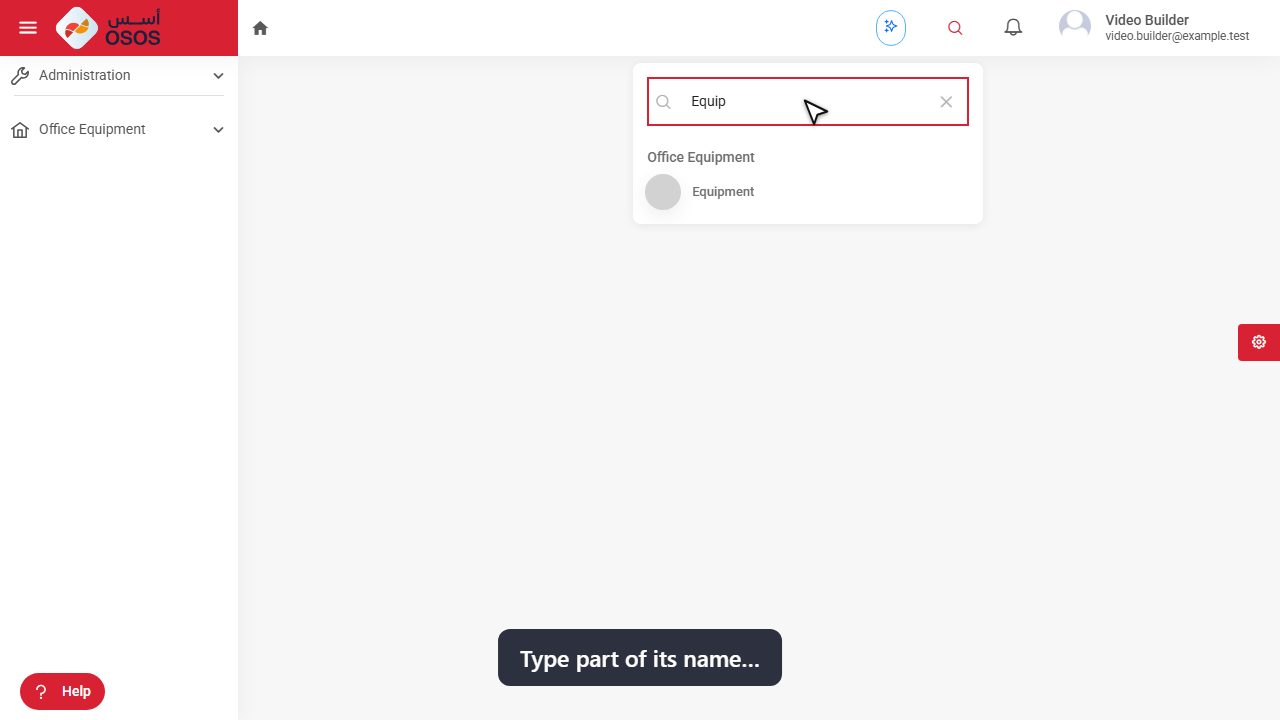 Search from the keyboardF3 opens the search: type a screen's name and goEnd user
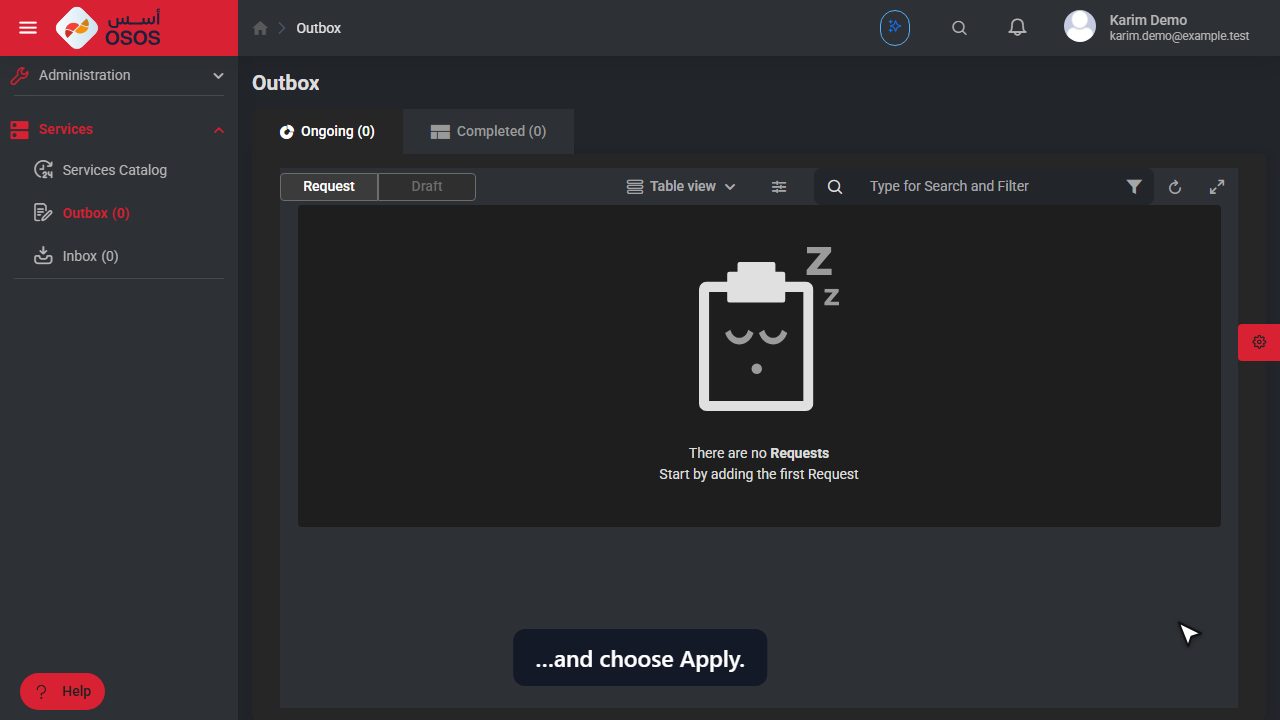 Try a setting for this session onlyApply, under the arrow next to Save, does not touch your accountEnd user
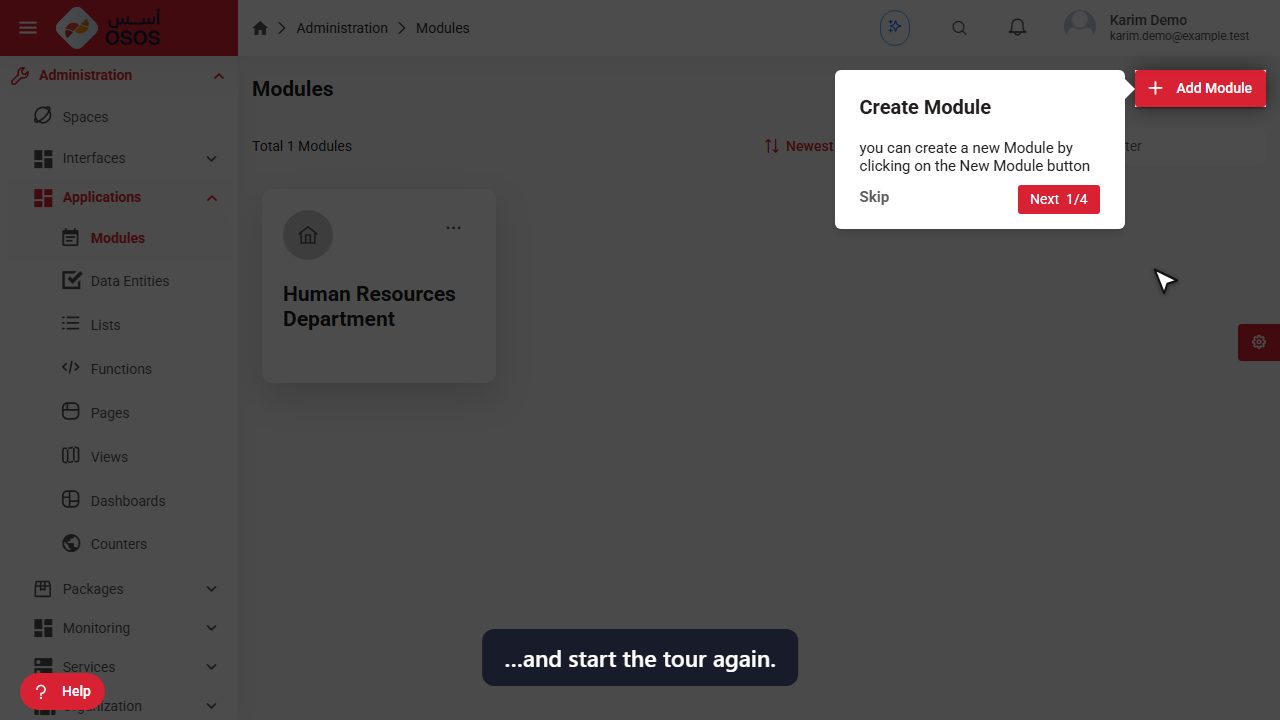 Replay the guided tourSkipped it on your first visit? Start it again from your menuEnd user
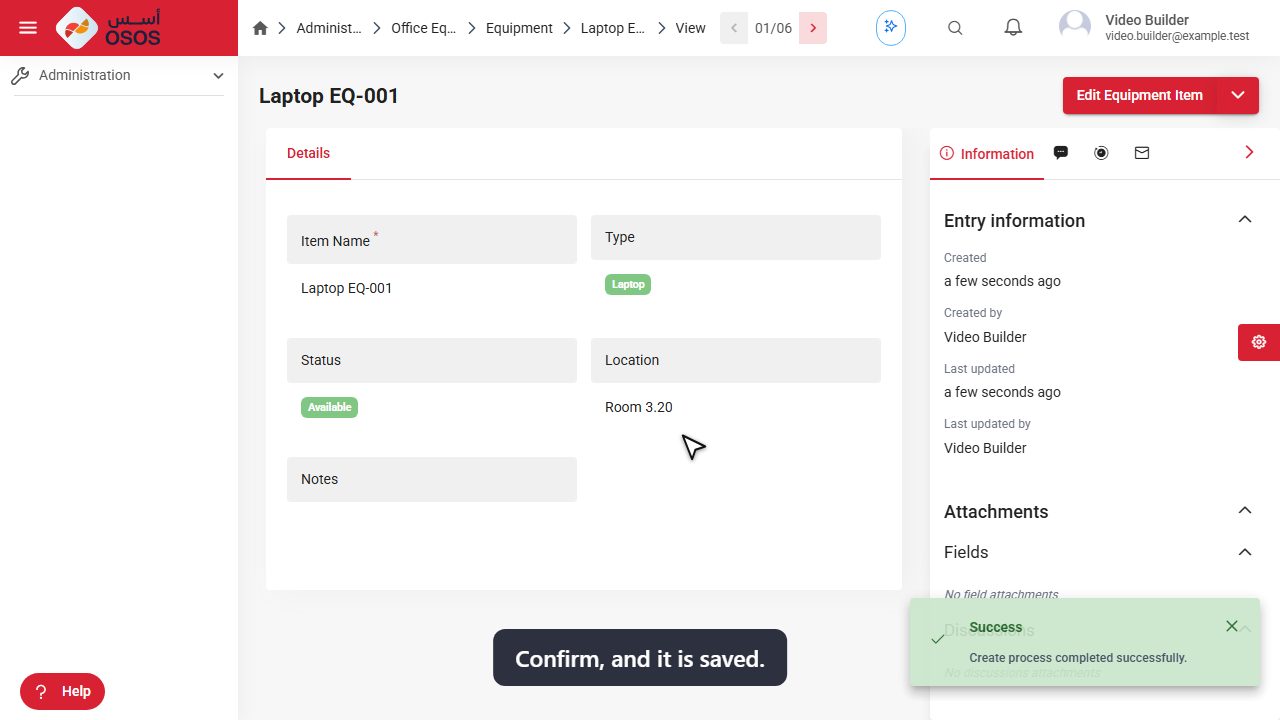 Save with Ctrl+EnterDone editing? Save the form from the keyboardEnd user
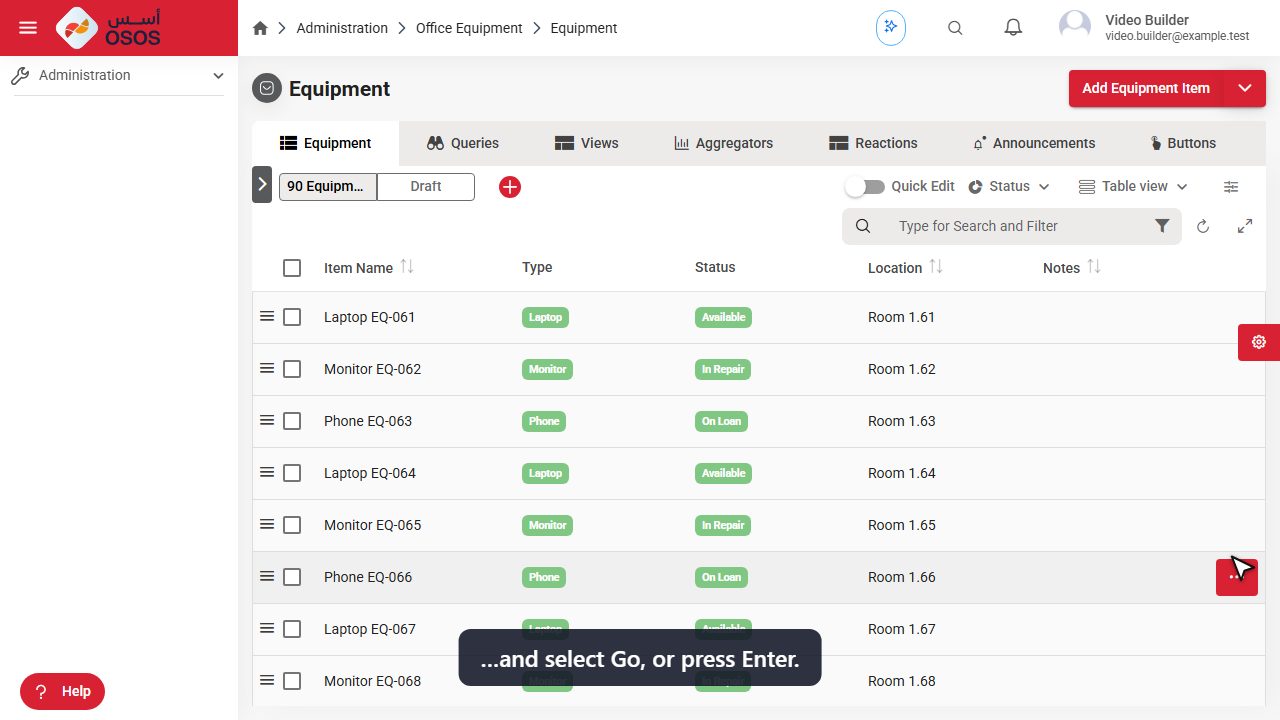 Jump to a page of a long listSelect the page number, type the page you want, and goEnd user
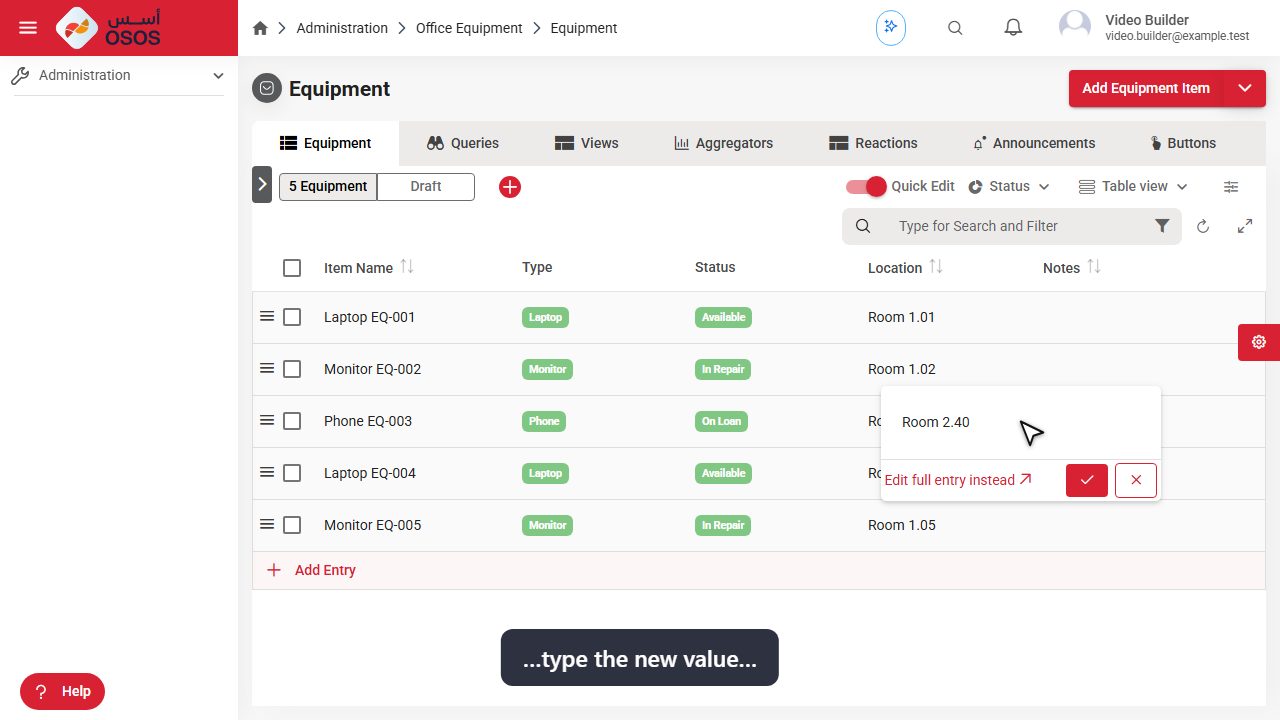 Edit right in the listQuick Edit changes a value without opening the recordEnd user
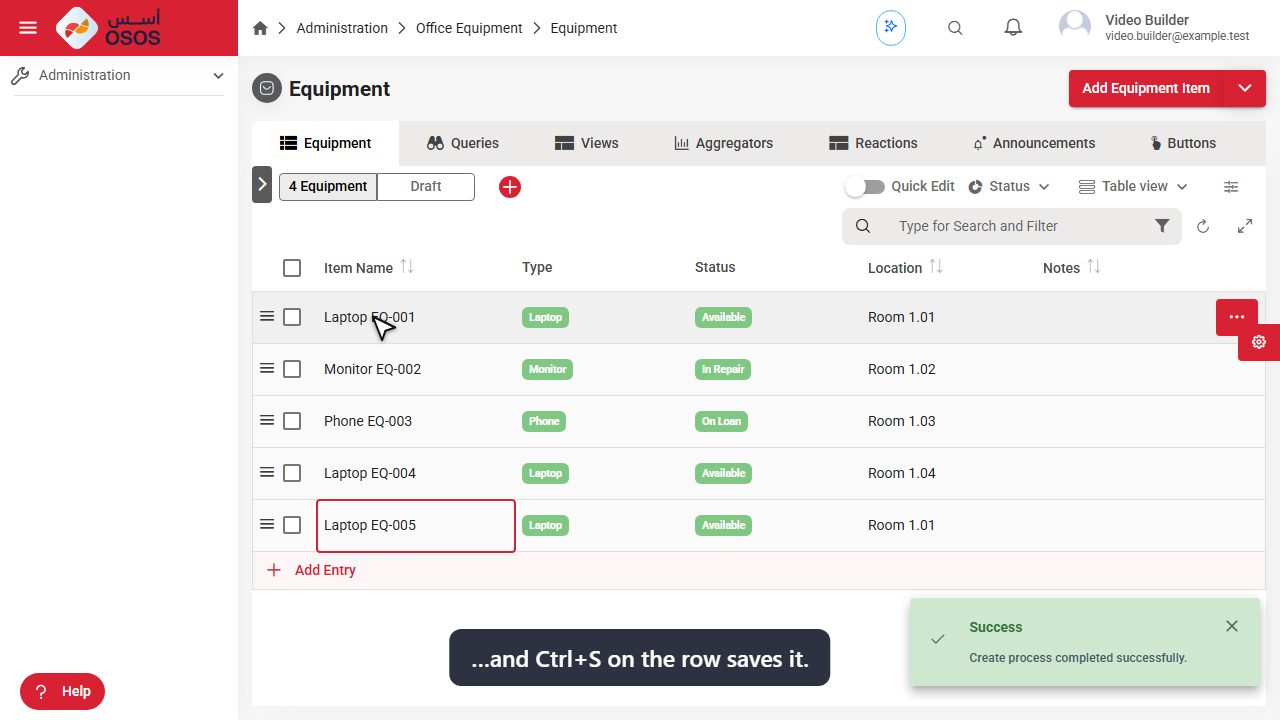 Add rows from the keyboardCtrl+D copies a row, Ctrl+Space adds one, Ctrl+S savesEnd user
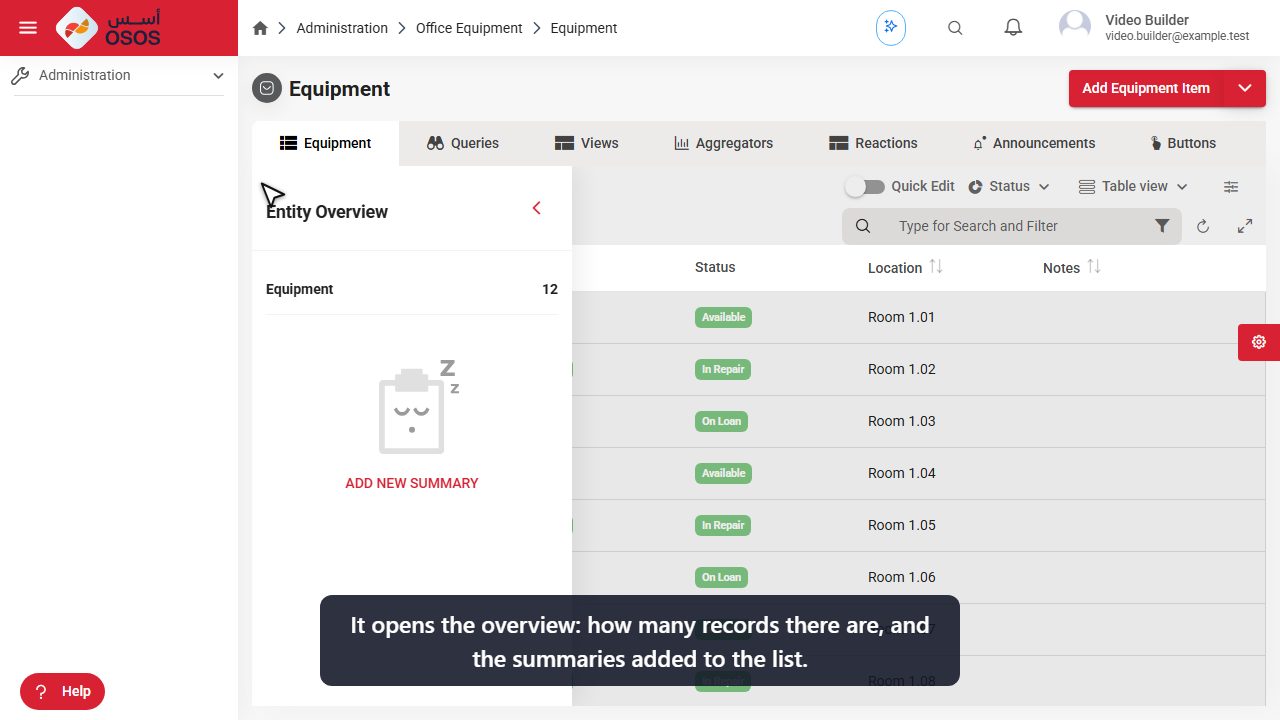 Open the overview beside a listThe arrow at the list's edge opens its overviewEnd user
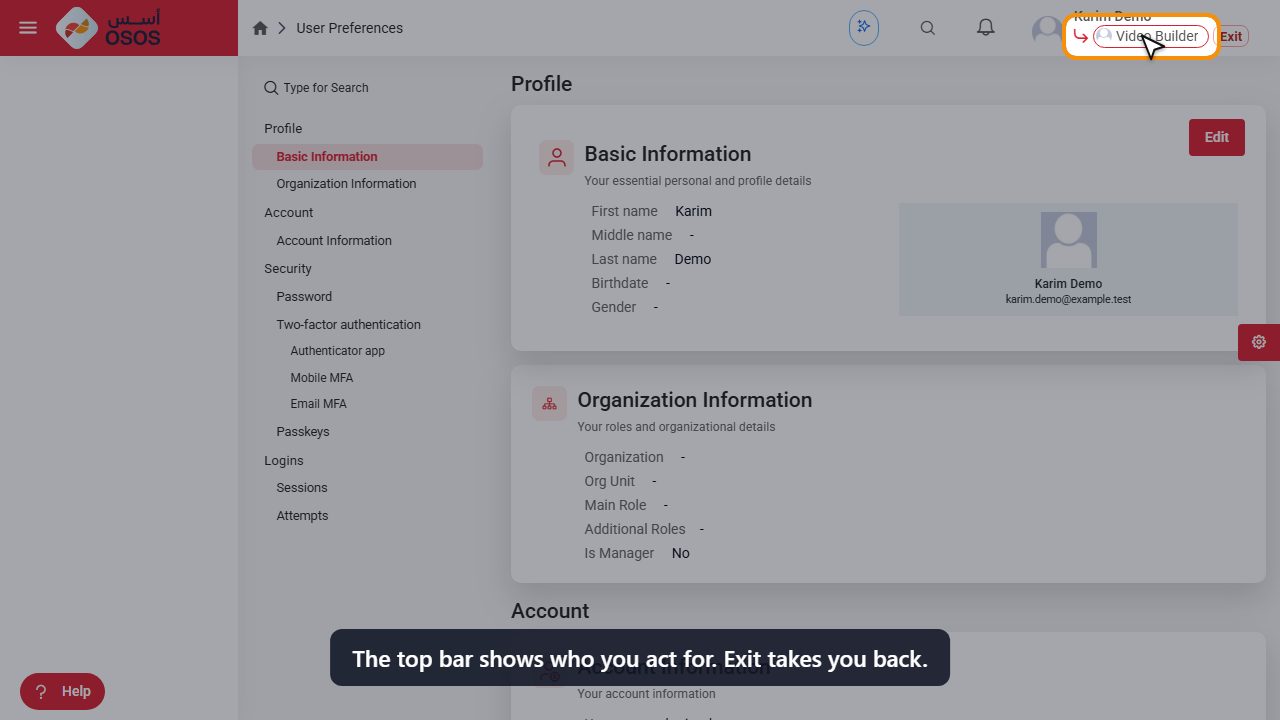 Open a link as the colleague you act forA link with ?delegation= switches to that delegation for youEnd user
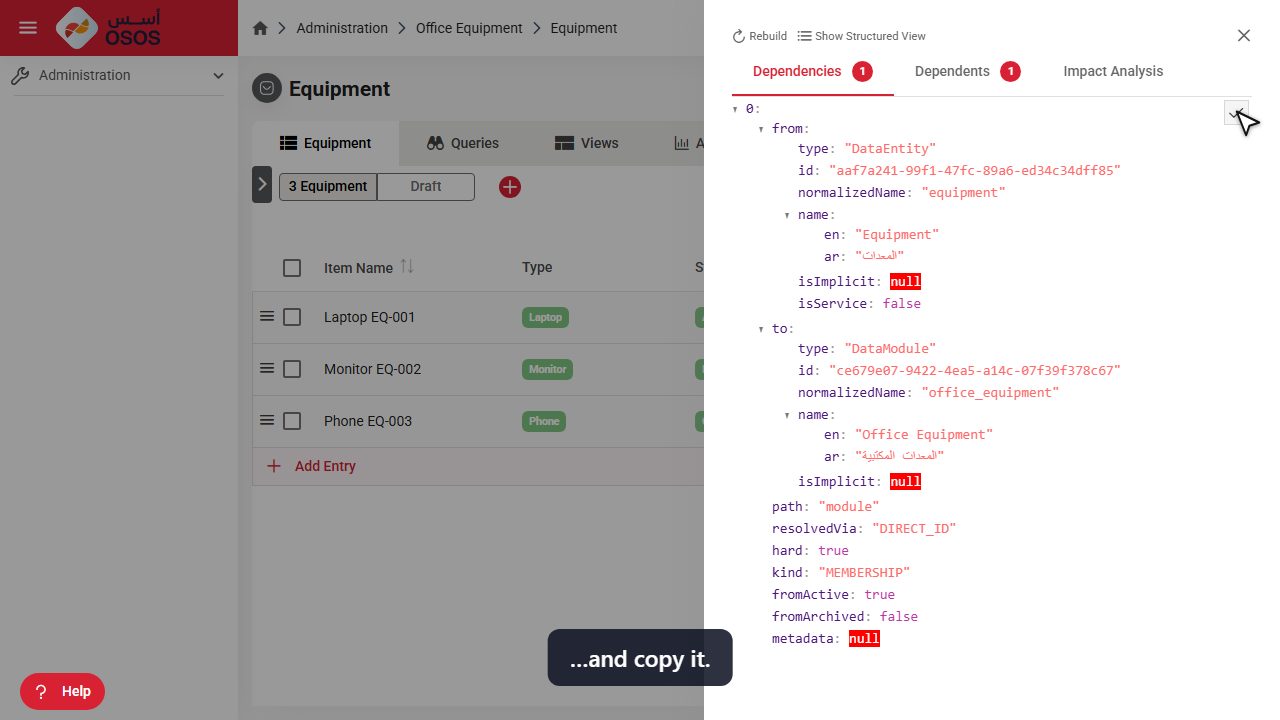 Copy dependencies as JSONView Dependencies has a raw JSON view, with a copy buttonApp builder
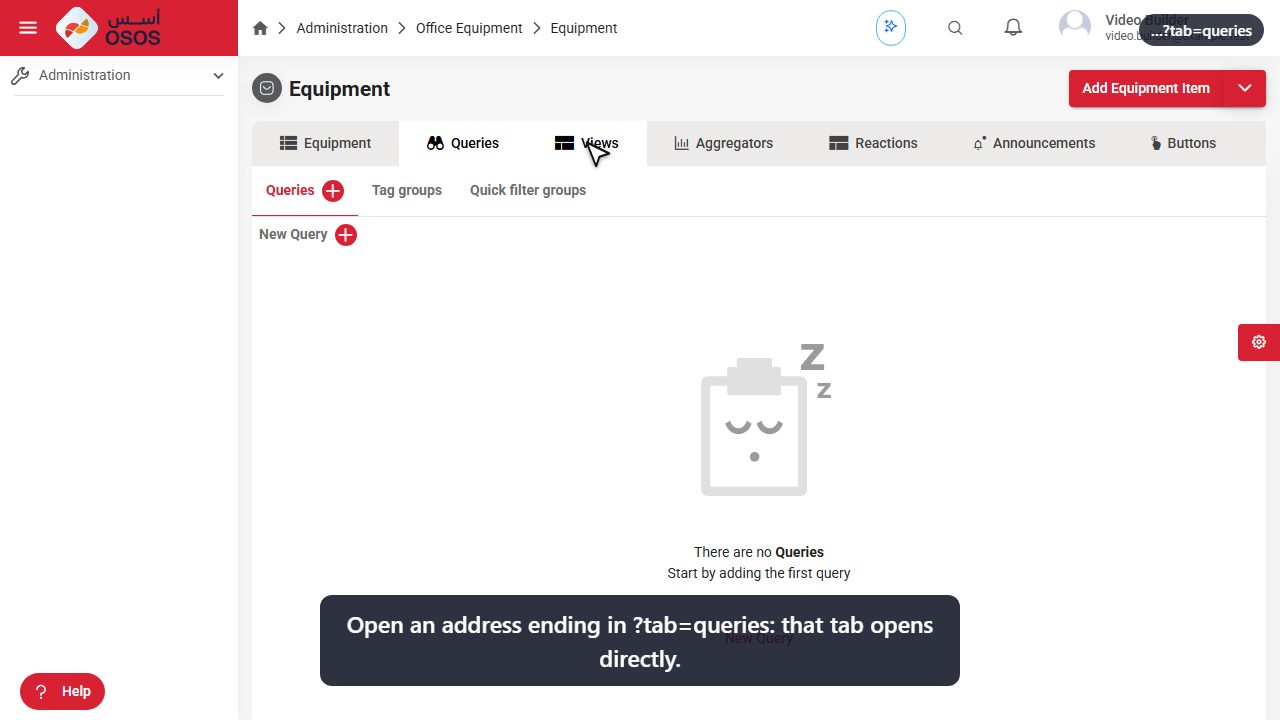 Link straight to a tab of an entityEach tab has its own address: share it or bookmark itApp builder
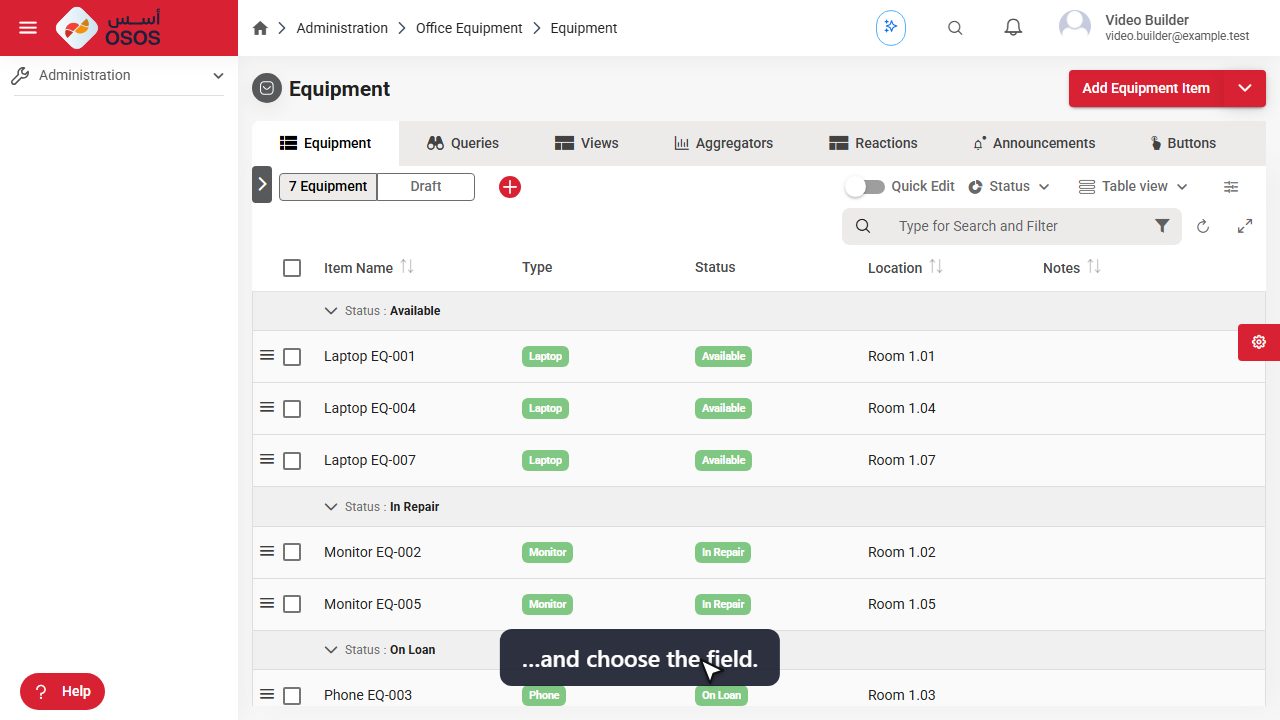 Group a list by a fieldView Settings › Add Group puts the records in groupsEnd user
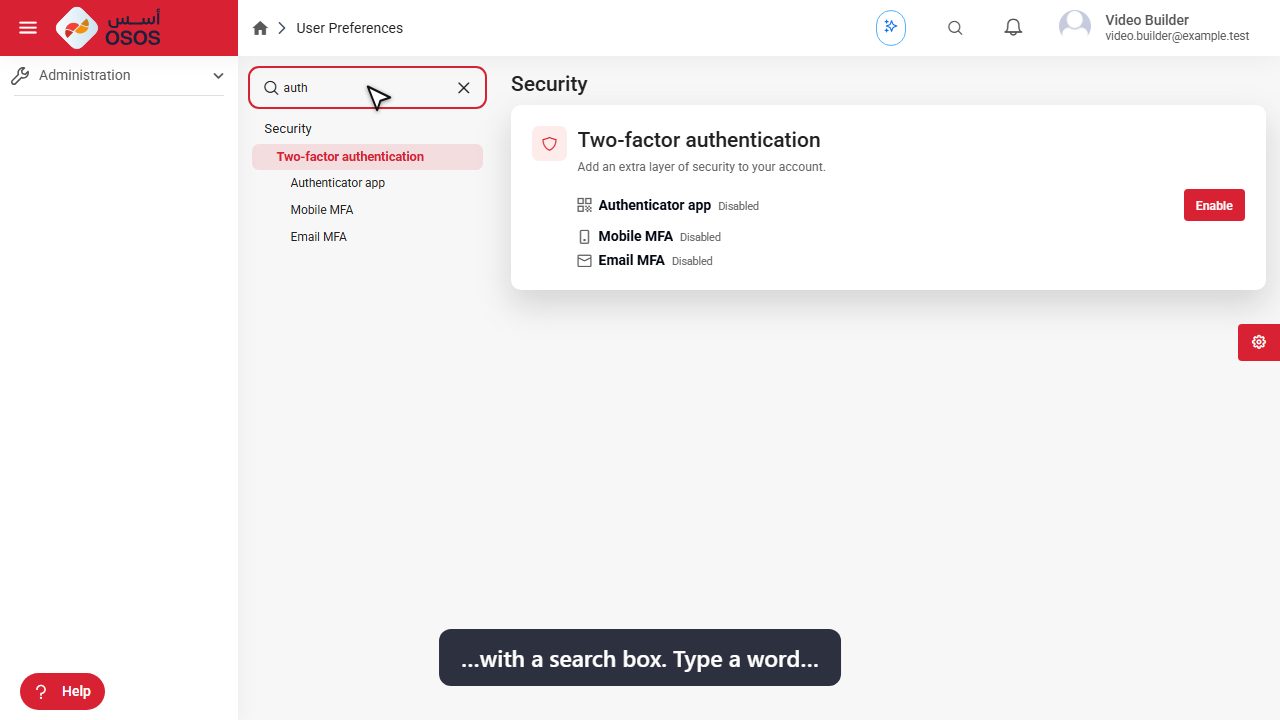 Find a setting on your profileType in the profile's index to jump to a settingEnd user
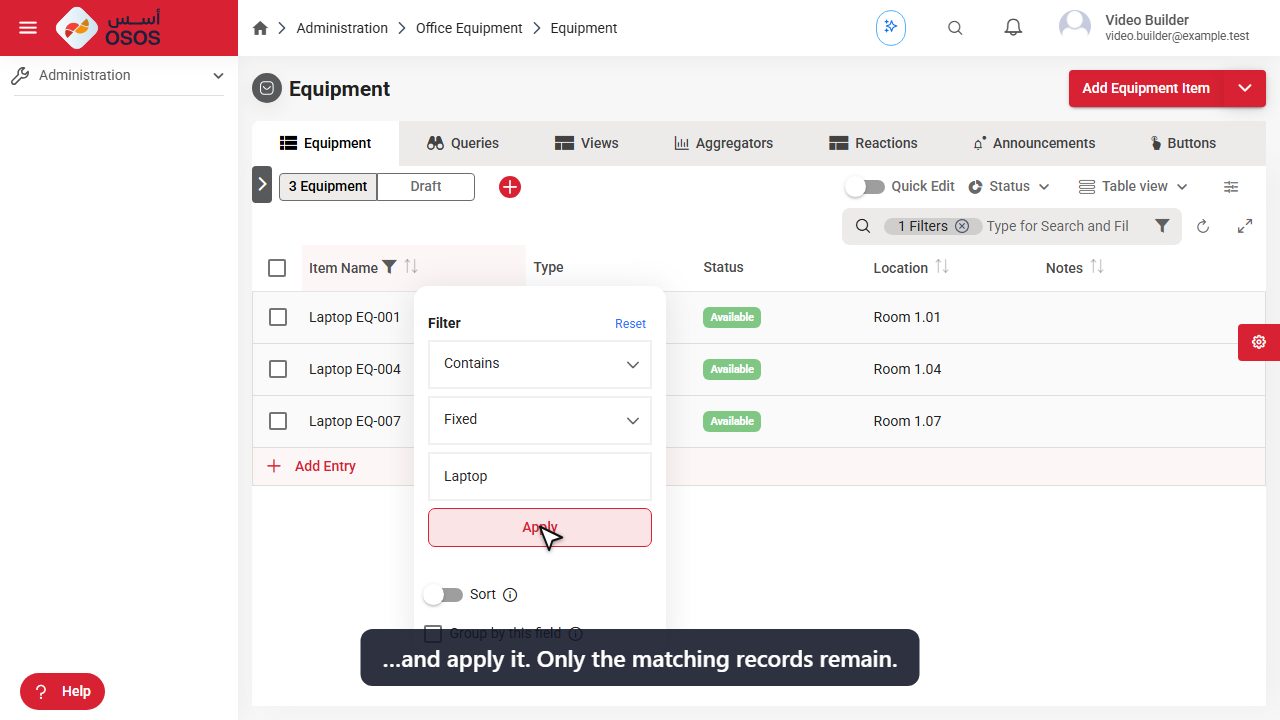 Filter a column from its headerThe ⋮ beside a column's name filters by that columnEnd user
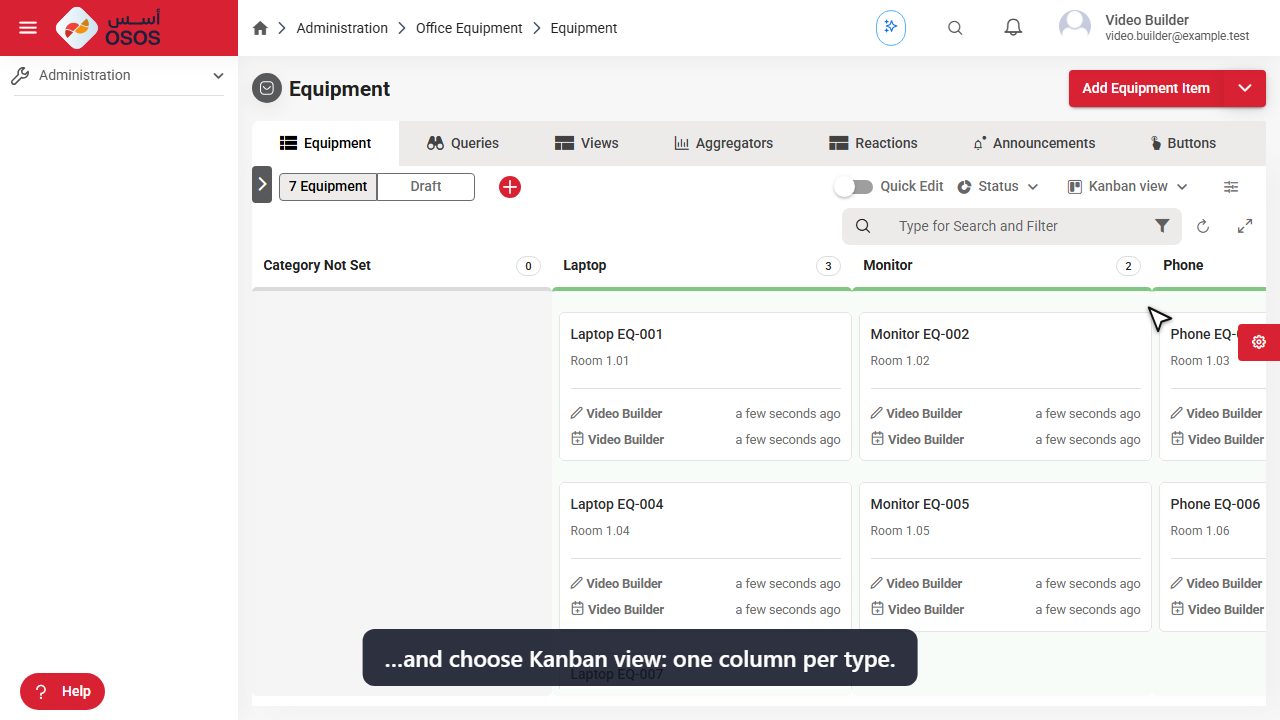 See a list as a boardThe display menu shows a list as a table, badges or a Kanban boardEnd user
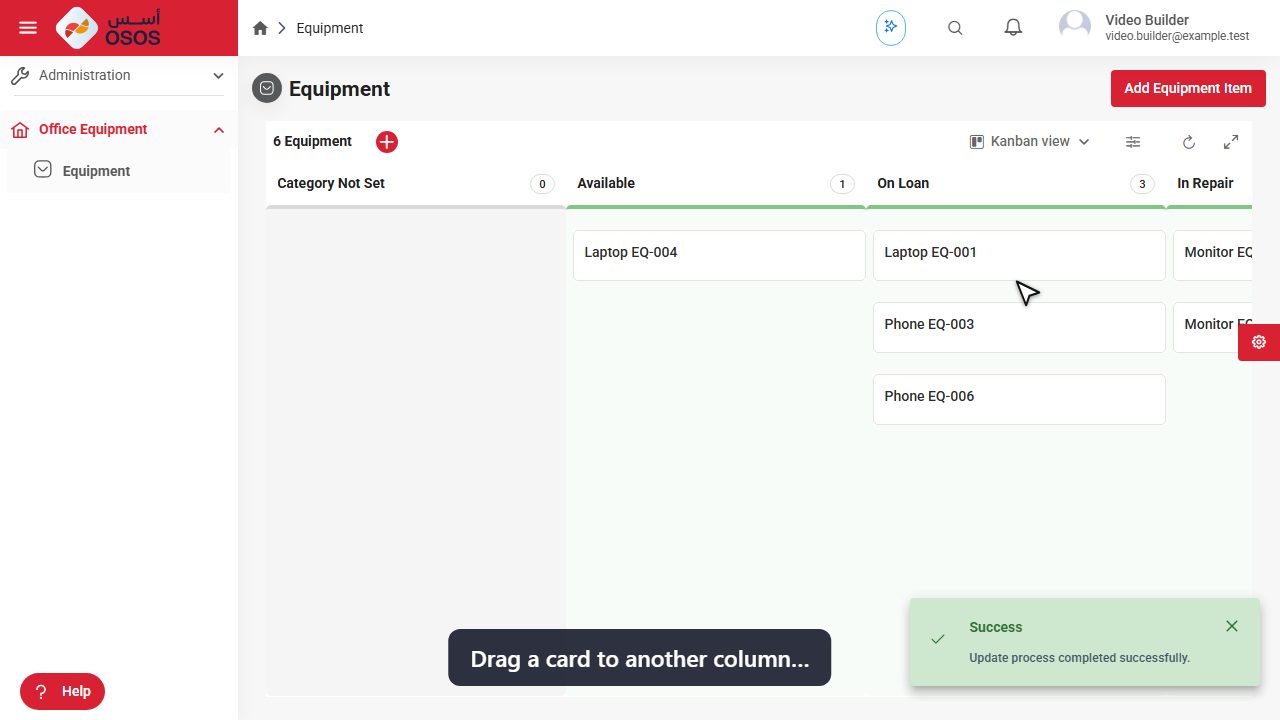 Drag a card to change its statusOn a Kanban board, moving a card changes the recordEnd user
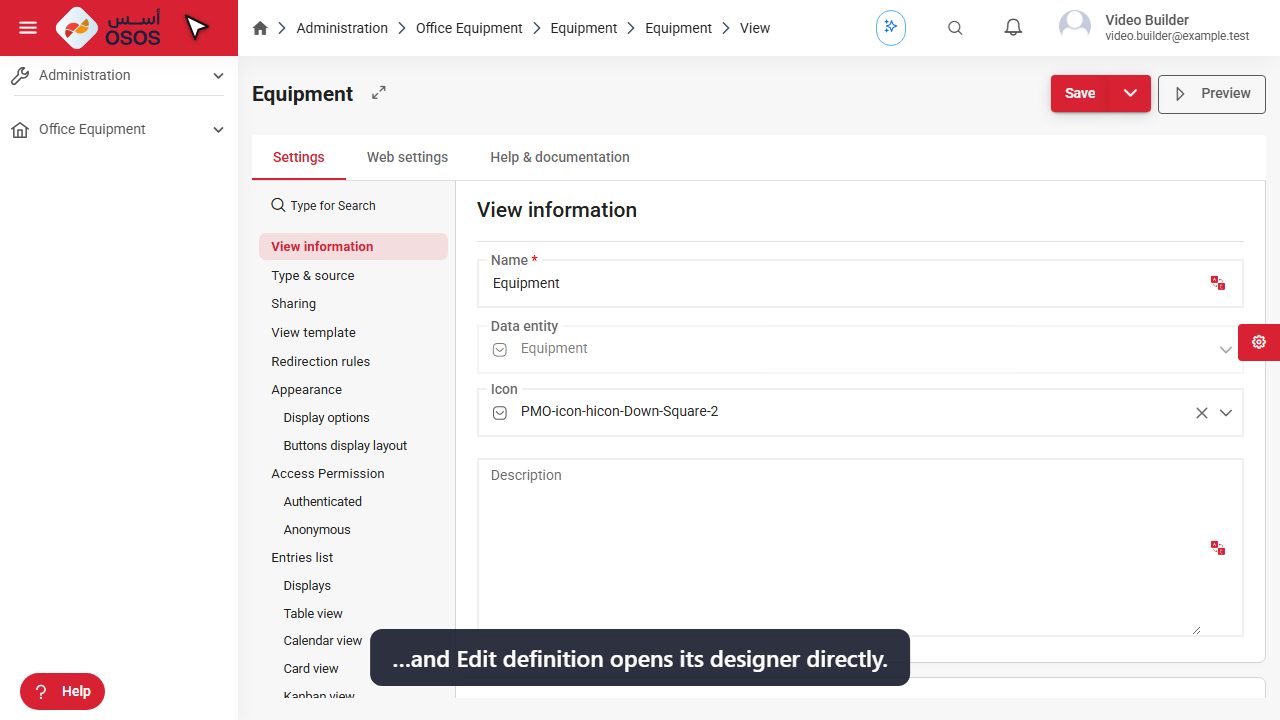 From a view to its designer in one clickThe admin bar links what you see to its definitionApp builder
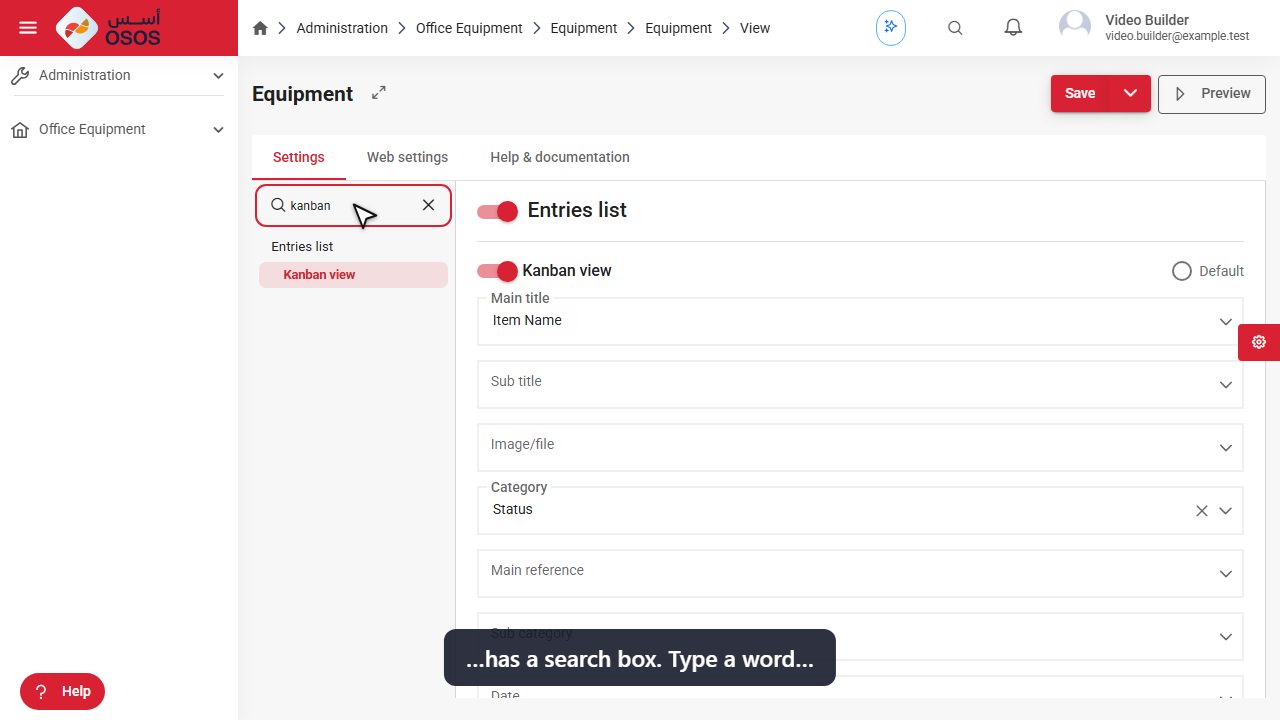 Search a view's settingsType in the index to jump to a settingApp builder
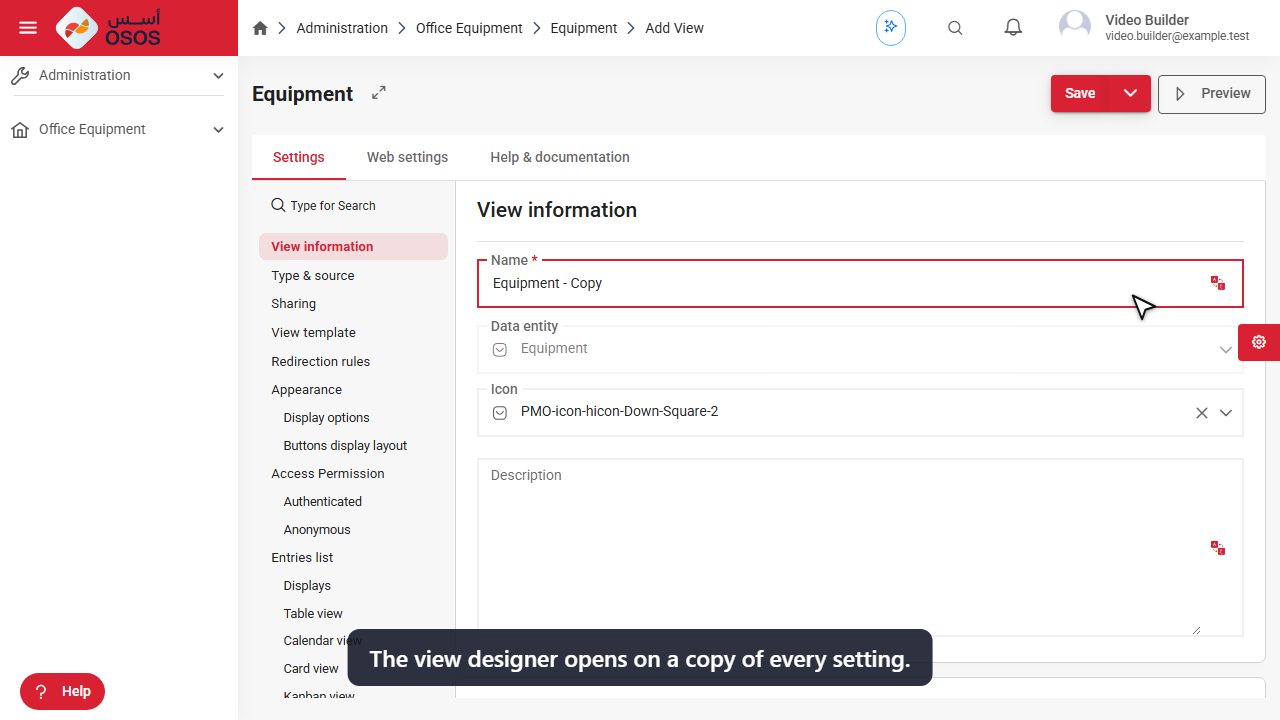 Start a view from a copyDuplicate copies every setting of a viewApp builder
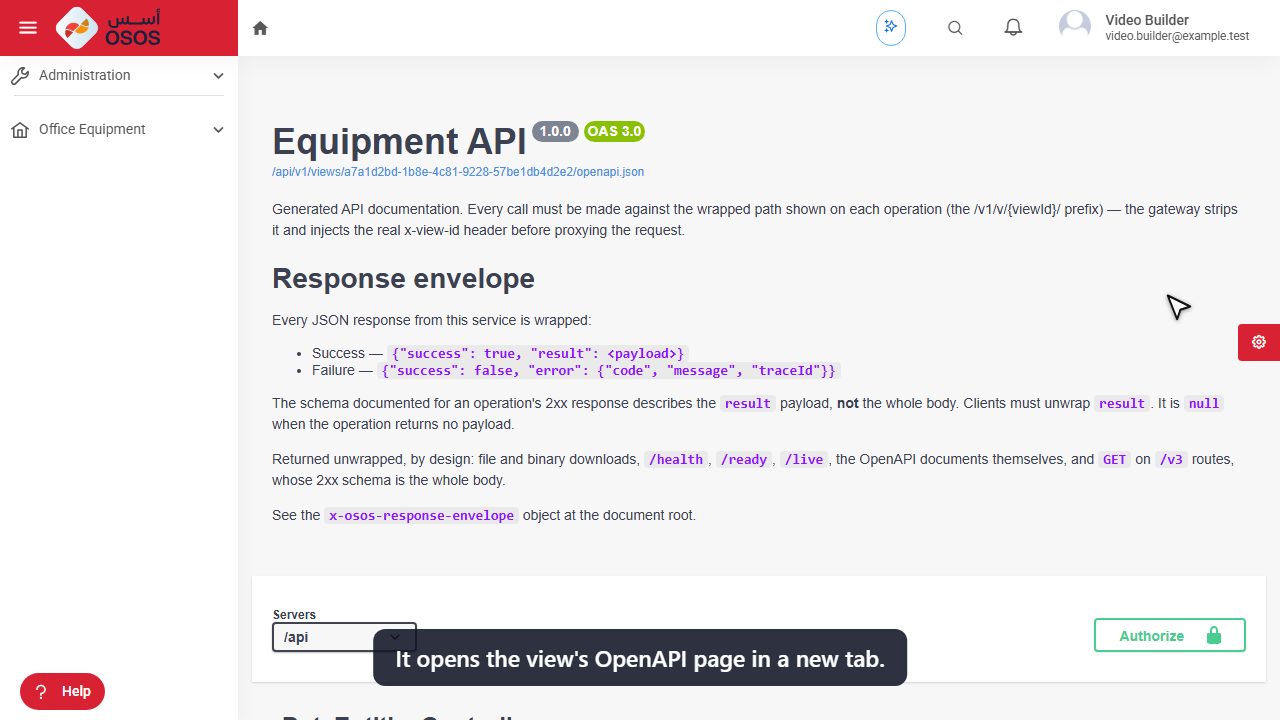 Open a view's API documentationEach view documents its own APIDeveloper
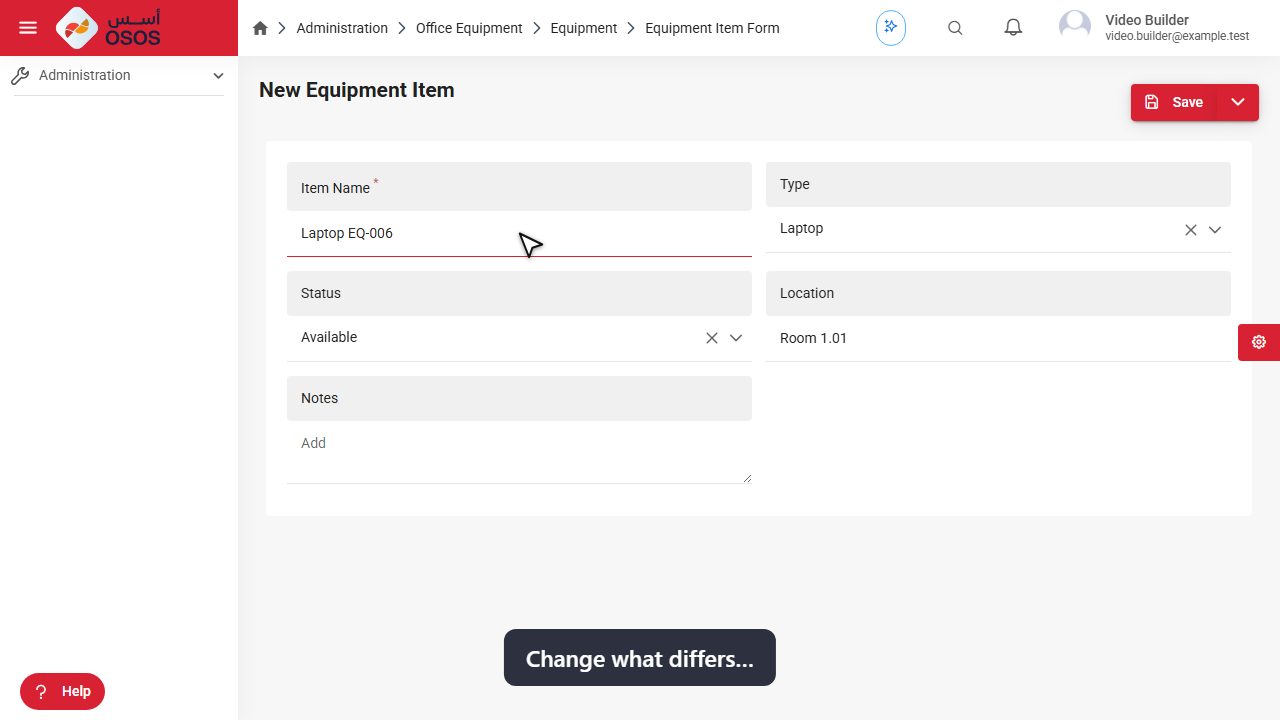 Add a record from a copyDuplicate fills a new record with another's valuesEnd user
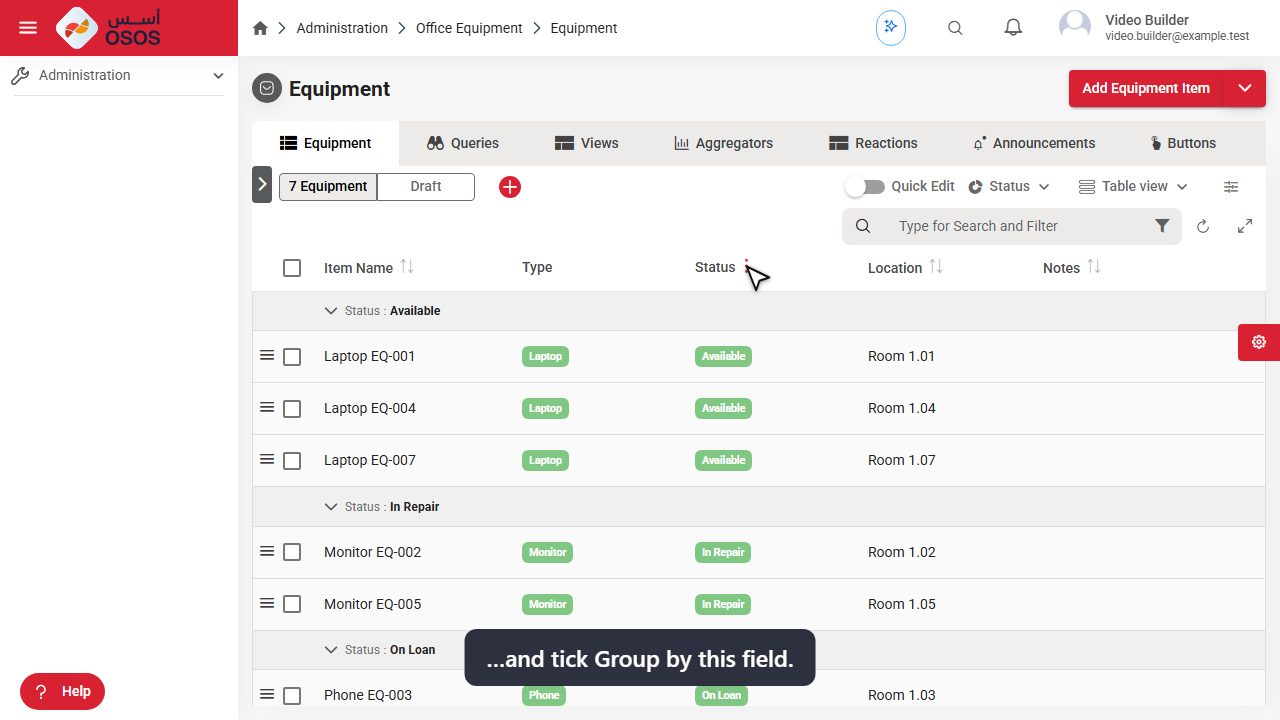 Group a list from a columnA column's ⋮ menu groups the list by that columnEnd user
Platform 1.10.0 · Backend 1.11.0-alpha.11 · Frontend 1.11.0-alpha.6 · Mobile 1.10.2 · Chart 1.11.8 · Gateway 2.6.11 · MCP 0.2.0 · Grafana DS 1.2.0Docs build 2026-11-27